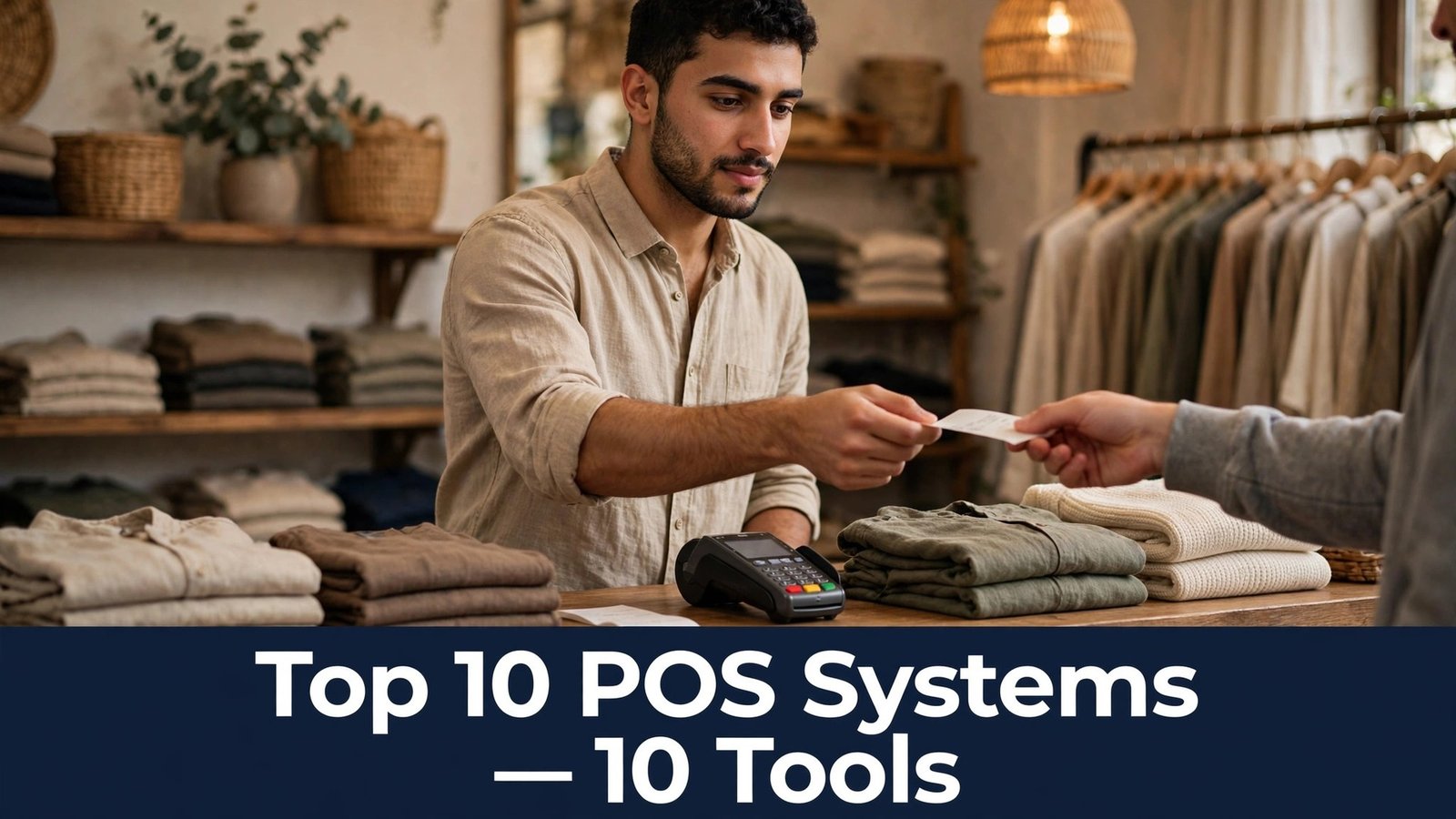
A customer reaches the till with a basket full of goods, the card reader freezes, and the queue behind them grows with every second the screen stays blank. The shop assistant restarts the reader, the customer pays by phone instead, and the sale is saved, but the customer does not come back. The top 10 pos systems on this list exist to stop exactly that moment, because a till that fails at the counter costs more than the sale in front of it.
The problem is not the card reader alone. A point of sale system is the till, the stock list, the customer record, and the end-of-day report in one place, and a weakness in any one of those jobs shows up at the worst moment. A stock count that is wrong means a product is promised that is not on the shelf. A report that is wrong means the owner orders too much of the wrong thing. A system that is slow means every customer waits a little longer than they should.
This guide compares ten systems on the work a shop actually does. How fast is a sale at a busy counter. Does the stock update the moment a sale is made. Can the owner see the day takings without a spreadsheet. The checklist below turns those questions into a test you can run in your own shop before you sign a contract.
The 10 Tools at a Glance
Use this table to shortlist fast. The top 10 pos systems differ in hardware cost, transaction fees, and how much of the shop they run beyond the till, so weigh the Best for column against the size of your shop and the way your customers pay.
| Tool | Starting price | Best for | Standout strength |
|---|---|---|---|
| Square | Free software, card payments from about 2.6 percent plus 10 cents a sale | Small shops and markets | Free software with simple card payments |
| Shopify POS | POS Lite from about $5 a month, Pro from about $89 a month | Online plus in-store | One system for the website and the shop floor |
| Lightspeed | Paid plans from about $89 a month | Retail chains | Strong stock control across many locations |
| Clover | Paid plans from about $14.95 a month | Small retailers | Simple hardware with fair monthly pricing |
| Toast | Paid plans from about $69 a month | Restaurants and cafes | Table, order, and kitchen tools built in |
| Epos Now | Check the vendor site for pricing | Small shops on a budget | Low-cost hardware with simple setup |
| SumUp | Free app, card payments from about 2.69 percent a sale | Mobile sellers | Pocket card reader with no monthly fee |
| PayPal Zettle | Free app, card payments from about 2.29 percent plus 9 cents a sale | Small businesses | Simple card payments with no monthly fee |
| Revel Systems | Paid plans from about $99 a month | Growing retail groups | Enterprise stock and reporting for many stores |
| TouchBistro | Paid plans from about $69 a month | Cafes and restaurants | Table service and menu tools for busy floors |
Why the Top 10 POS Systems Decide Whether a Sale Completes or Walks Away
Speed at the till is the first reason a POS system matters, and it is measured in seconds per sale. A system that takes three taps to finish a sale, that needs the assistant to retype a price, or that freezes when the internet drops will cost a shop sales on a busy Saturday. The better systems finish a sale in seconds, work offline when the connection fails, and keep the queue moving even when the shop is full.
The second problem is stock, because a till that does not update stock in real time is a till that lies to the shop. A product sold in the shop should disappear from the website at the same moment, and a product sold online should disappear from the shop shelf. A system with live stock prevents the awkward conversation where a customer pays for something that is not actually there, and it tells the owner what to reorder before the shelf is empty.
Then there is the money, which is where fees and reports decide whether the system pays for itself. A system with no monthly fee can still take more from a shop than a paid plan once transaction fees are counted, and a system with weak reports forces the owner to build the numbers by hand at the end of every day. Run the numbers on your real daily volume, not the headline rate, because a busy shop pays very different fees from a quiet one.
Hardware is the last piece, and it is the one that surprises most buyers. A system that needs expensive proprietary hardware costs far more than the monthly fee suggests, while a system that runs on a tablet and a small card reader can be live in an afternoon. Check what the hardware costs, what happens when a reader breaks, and whether the system still takes payments when the internet is down.
Checklist before you choose. Run a full sale on a busy afternoon with a real queue behind you, and time it. Sell a product and check that the stock updates on the website at once. Take a payment with the internet switched off, and confirm the sale still completes. Ask for the full fee on a ten-dollar sale and a hundred-dollar sale. Check the end-of-day report and confirm the numbers match the till. If any of those checks fails, keep looking, because your customers will feel the failure at the counter.
How We Judged Every System on This List
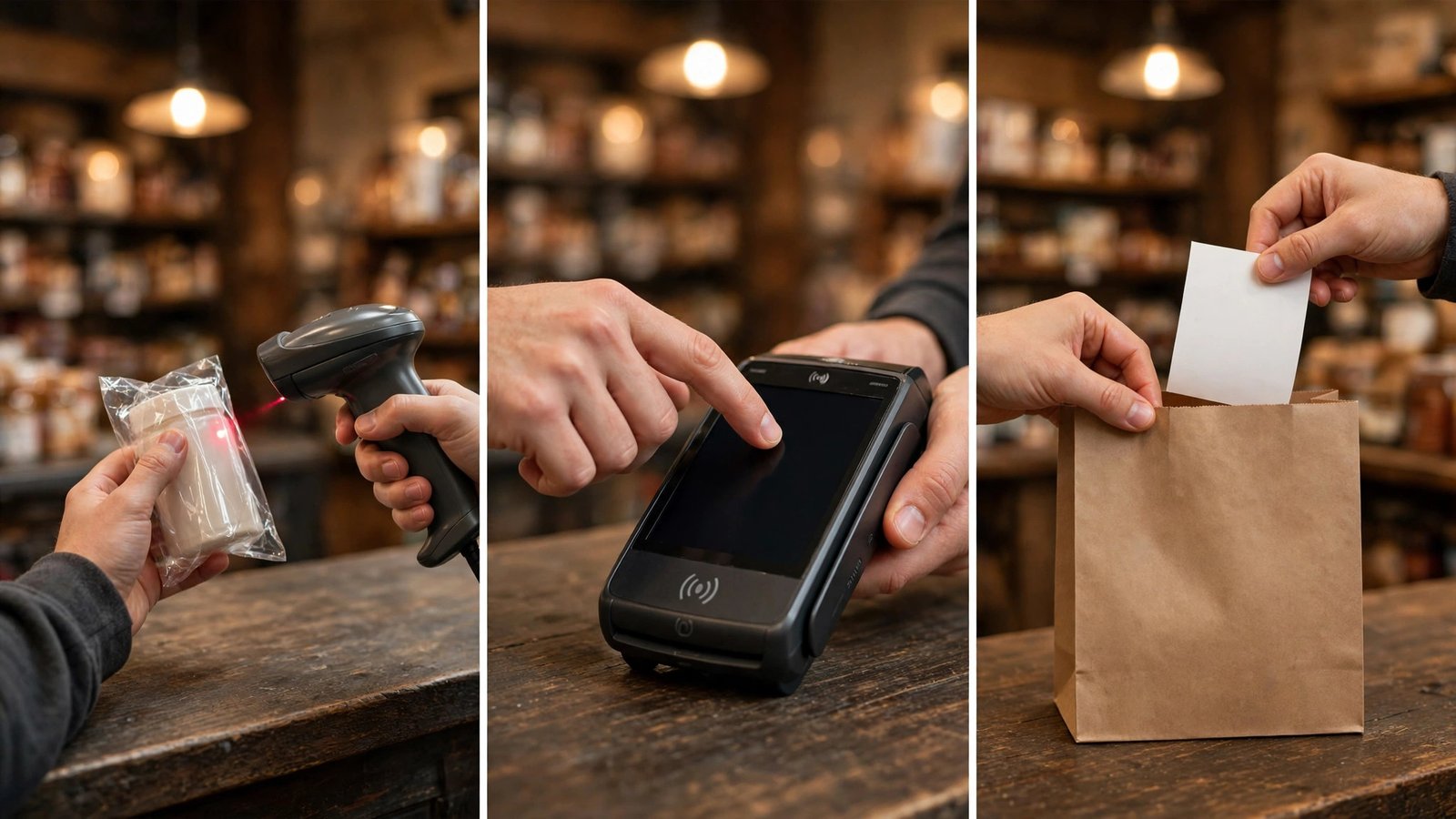
The top 10 pos systems were tested at a real counter, not on a feature sheet. Each system was scored on the same checks, and a system that looked cheap in a quote but slowed down a busy sale lost points fast.
- Sale speed. We timed a complete sale at a busy counter, counting taps and checking how the system handles a queue.
- Offline payments. We switched the internet off mid-sale and checked whether the payment still completes and syncs later.
- Stock accuracy. We sold a product in store and checked whether the website stock updated at the same moment.
- Hardware cost. We priced the full setup a shop needs to open, including the reader, the tablet, and the receipt printer.
- Fee honesty. We calculated the real cost on a ten-dollar sale and a hundred-dollar sale, including the monthly fee and the card rate.
- Reporting. We checked whether the end-of-day report shows takings, best sellers, and refunds without a spreadsheet.
- Staff and permissions. We tested whether different staff can have different access, so a cashier cannot refund without approval.
- Support when it breaks. We weighed live help, setup guidance, and how fast a broken reader is replaced.
Best Pick by Job
The top 10 pos systems are not one-size-fits-all, so match the pick to the shop. A market stall, a boutique, a cafe, and a retail chain need different strengths, and the table below pairs each shop with the system that handles it best.
| Job | Best pick | Why it wins |
|---|---|---|
| First till, small shop | Square | Free software and a reader that works from day one |
| Online shop plus store | Shopify POS | One stock list for the website and the shop floor |
| Restaurant or cafe | Toast | Table, order, and kitchen tools built for food service |
| Retail chain | Lightspeed | Stock and reporting across many locations |
| Mobile market seller | SumUp | Pocket reader with no monthly fee for market days |
| Busy cafe floor | TouchBistro | Table service tools that keep a busy floor moving |
The 10 Tools in Detail
1. Square
Square is the till most small shops start with, because the software is free, the reader is cheap, and the setup takes an afternoon. The system handles sales, card payments, stock, and customer records in one place, and the reports show the day takings without a spreadsheet. The hardware is simple, with a small reader that fits in a pocket and a stand that turns a tablet into a counter till. Square suits a shop that wants to open fast, because the account, the reader, and the first sale can all happen in a day. The offline mode keeps taking payments when the internet drops, and the money lands in the account on a predictable schedule.
The top 10 pos systems prove themselves on a busy Saturday, and Square handles that test better than any rival here. Square charges a percentage on every sale, which adds up for a busy shop, and the advanced stock and reporting features sit behind higher plans. A large shop with complex stock will find the ceiling sooner than on specialist systems. Pick Square when the shop is small, the budget is tight, and the till needs to work tomorrow. It is the easiest first system here for new shops.
Starting price — Free software, card payments from about 2.6 percent plus 10 cents a sale.
2. Shopify POS
Shopify POS is the till for shops that already sell online, because the stock, the customers, and the orders live in one system. A product sold in the shop disappears from the website at the same moment, and a customer who buys online can return the item in store without a phone call to sort it out. Shopify POS suits a shop with a website, because the two channels finally agree. The hardware is clean, the app runs on a tablet or a phone, and the Pro plan adds the staff permissions, the stock counts, and the reporting that a growing shop needs.
Shopify POS needs a Shopify plan behind it, so the real cost is higher than the POS fee alone. The Lite plan is thin on features, and a shop that only sells in store will pay for a website it does not use. Pick Shopify POS when the shop sells online and in person. It is the best omnichannel till here for shops with a website.
Starting price — POS Lite from about $5 a month, Pro from about $89 a month.
3. Lightspeed
Lightspeed is a retail system built for shops with serious stock, from boutiques to multi-store chains. The stock control tracks variants, sizes, and suppliers, the purchase orders keep the shelves full, and the reporting shows which products earn money and which ones sit unsold. Lightspeed suits a shop that lives or dies on stock accuracy, because the system knows what is on the shelf, what is on order, and what is selling fastest. The multi-location tools keep every store on the same stock list, and the customer records support loyalty and special orders.
Lightspeed costs more than the simple tills, and the setup needs time and training. A small shop with a handful of products will pay for depth it does not use. Pick Lightspeed when stock is the business and the shop is growing. It is the strongest retail system here for serious sellers.
Starting price — Paid plans from about $89 a month.
4. Clover
Clover is a counter system with hardware that looks good on a shop counter and software that covers sales, stock, and customer records. The app marketplace adds features as the shop grows, from loyalty programs to online ordering, without replacing the till. Clover suits a small retailer that wants a proper counter setup, because the hardware is solid, the screen is clear, and the system is easy for staff to learn. The payment processing is built in, and the reports show the day takings at a glance.
Clover charges a monthly fee plus processing, and the cost climbs as apps and features are added. The hardware is proprietary, so a broken reader means buying from Clover rather than any shop. Pick Clover when the shop wants a tidy counter system with room to grow. It is the most polished small-retail till here.
Starting price — Paid plans from about $14.95 a month.
5. Toast
Toast is a restaurant system that runs the whole floor, from the table order to the kitchen screen to the bill. The handheld devices let staff take orders at the table, the kitchen display shows the tickets in order, and the payments handle tips, splits, and tabs without a trip back to the till. Toast suits a restaurant or a cafe because the system is built for food service rather than adapted to it. The menu management, the table layouts, and the online ordering all work together, and the reporting shows which dishes earn money and which tables turn fastest.
Toast costs more than a general till, and the hardware is a real investment. A shop that does not serve food will pay for features it never uses. Pick Toast when the business serves food and the floor is busy. It is the best restaurant system here for cafes and restaurants.
Starting price — Paid plans from about $69 a month.
6. Epos Now
Epos Now is a till system for retail and hospitality with a one-time hardware cost and a monthly software fee. The system covers sales, stock, customers, and reporting, and the back office shows the numbers from any browser, so the owner can check the day from home. Epos Now suits a shop that wants to own the hardware outright, because the upfront cost replaces a long rental. The setup is guided, the support is available by phone, and the integrations cover accounting and online stores.
Epos Now prices the hardware and the software separately, so the total needs a careful quote. The interface is functional rather than beautiful, and some advanced features need higher plans. Pick Epos Now when the shop wants to own its till hardware. It is the most straightforward own-it-outright system here.
Starting price — Check the vendor site for pricing.
7. SumUp
SumUp is the pocket card reader that market sellers and mobile traders reach for, because there is no monthly fee and the reader fits in a pocket. The app takes card payments, sends receipts by text or email, and shows the day takings without any setup beyond the account. SumUp suits a seller who works markets, pop-ups, and fairs, because the reader works anywhere with a phone signal and the money arrives on a predictable schedule. The cost is simple, which is a percentage on each sale and nothing else.
SumUp is a payment tool rather than a full till, with lighter stock and reporting than the bigger systems. A shop with a fixed counter and complex stock will outgrow it quickly. Pick SumUp when the selling happens on the move and the budget has no room for a monthly fee. It is the simplest mobile reader here.
Starting price — Free app, card payments from about 2.69 percent a sale.
8. PayPal Zettle
PayPal Zettle is a small card reader and app that takes payments, tracks stock, and sends receipts, with no monthly fee. The setup is fast, the reader is cheap, and the money lands in a PayPal account that many sellers already use. PayPal Zettle suits a small business that already uses PayPal, because the money, the reports, and the customer payments all sit in one familiar place. The stock tools cover the basics, and the invoicing helps a seller who also bills clients.
PayPal Zettle is lighter on stock and reporting than the full till systems, and the per-sale fee adds up for a busy shop. A growing retailer will need a stronger system sooner rather than later. Pick PayPal Zettle when the business is small and PayPal is already part of the money flow. It is the most convenient reader here for PayPal users.
Starting price — Free app, card payments from about 2.29 percent plus 9 cents a sale.
9. Revel Systems
Revel Systems is an enterprise till for retail chains and large restaurants, with strong stock control, customer management, and reporting across many locations. The system runs on tablets, works offline, and gives head office a live view of every store. Revel Systems suits a growing chain because the central management keeps prices, stock, and promotions consistent across every location. The reporting shows performance by store, by product, and by staff member, which gives an owner the numbers to manage growth.
Revel Systems costs more than the small-shop tills, and the setup is a project rather than an afternoon. A single shop would pay for multi-location depth it does not need. Pick Revel Systems when the business is a chain, or plans to become one. It is the most capable enterprise till here for growing groups.
Starting price — Paid plans from about $99 a month.
10. TouchBistro
TouchBistro is a restaurant till built for table service, with floor plans, menu management, and staff tools that suit a busy dining room. The handheld ordering, the kitchen display, and the bill splitting all work together, and the system handles the rush without slowing down. TouchBistro suits a cafe or a restaurant with table service, because the floor plan shows every table at a glance and the staff can move an order from table to kitchen in seconds. The menu tools handle modifiers, specials, and happy hour pricing without a workaround.
TouchBistro is a food service specialist, so a retail shop will find most of the features irrelevant. The monthly cost and the hardware add up, and the setup needs training time. Pick TouchBistro when the business serves food at tables and the floor gets busy. It is the best table service till here for restaurants.
Starting price — Paid plans from about $69 a month.
A Daily Till Routine That Stops Lost Sales
The top 10 pos systems still need a daily routine, because a till nobody checks will fail at the worst moment. Run this routine every morning, and the counter stays fast even on the busiest day of the week.
- Open the till, check the card reader battery, and run a test sale before the first customer arrives.
- Check the stock levels for the ten best sellers and reorder anything that will run out before the next delivery.
- Confirm the internet backup is ready, and know the steps for offline payments if the connection drops.
- Review yesterday end-of-day report and note any refund, void, or discount that needs an explanation.
- Check the online stock against the shelf stock for the five products that sell in both places.
- Brief the staff on any price change, promotion, or new product before the doors open.
- End the day by counting the till, checking the report against the cash, and writing down any gap to investigate.
Four Till Mistakes That Cost a Shop Real Money
The first mistake is choosing on the monthly fee alone, because a till with no monthly fee and a high card rate will cost a busy shop far more than a paid plan with a low rate. A shop that takes a hundred card payments a day pays the rate a hundred times, so a difference of half a percent is real money by the end of the month. Work out the cost on your real daily volume, on a small sale and a large one, and the cheapest till on paper will often turn out to be the most expensive one in practice.
The second mistake is buying hardware before testing the software, because a till that looks good on the counter and frustrates the staff will slow every sale. The screen, the buttons, and the flow of a sale matter more than the colour of the stand, and the only way to know is to run a full day of test sales with the staff who will use it. Borrow the hardware for a trial, run it on a busy afternoon, and watch how the staff cope, because a system that feels slow in a trial will feel slower on a Saturday.
The third mistake is forgetting the internet backup, because a shop whose till stops when the broadband drops will lose a whole afternoon of card sales. The better systems keep taking payments offline and sync when the connection returns, but only if the offline mode is switched on and tested before it is needed. Test it on a quiet morning, confirm the sales appear in the reports afterwards, and write the steps on a card by the till, because the staff member on duty when the internet fails will not have time to read a manual.
The fourth mistake is ignoring the end-of-day report, because a till that is never reconciled will hide the refund, the void, and the missing cash until the gap is too big to explain. Count the till every evening, check the report against the cash, and write down any gap the same day, because a small gap found today is a small problem and a small gap found next month is a mystery.
Frequently Asked Questions
The top 10 pos systems raise the same questions from every shop owner, so here are the straight answers before you choose.
How much does a POS system really cost?
Expect two layers, which are the monthly software fee and the percentage taken on each card sale, plus the hardware cost upfront. A small shop can start free with Square or SumUp and pay only the card percentage, while a larger system costs from sixty to a hundred dollars a month plus hardware. Ask for the full cost on your real daily volume, because a busy shop pays far more in card fees than in software fees.
Can a POS system work without the internet?
The better ones can. Square, Lightspeed, and Revel Systems all take payments offline and sync when the connection returns, which matters when the internet drops on a busy Saturday. Test the offline mode before opening day, and confirm which features still work without a connection, because some systems only queue the payment while others keep the full till running.
Do I need special hardware for a POS system?
Most modern systems run on a tablet and a small card reader, which keeps the hardware cost low. A fixed counter usually adds a receipt printer and a cash drawer, while a restaurant adds handheld devices and a kitchen display. Check the hardware list and the price before you commit, and confirm what happens when a reader breaks, because a replacement that takes a week is a week of lost card sales.
How does a POS system help with stock control?
A good system updates stock the moment a sale is made, in the shop and online at the same time. The owner sees what is selling, what is running low, and what to reorder, without counting shelves by hand. The stock reports also show which products earn money and which ones sit unsold, which is the information that decides what to order next and what to stop stocking.
Should a small shop choose a free POS or a paid one?
A free system suits a new shop with simple needs, because the cost is only the card percentage and the setup is fast. A paid system suits a shop with real stock, multiple staff, or online sales, because the reporting, the permissions, and the stock control earn the monthly fee back. The honest test is the volume, because a shop doing fifty sales a day needs a stronger system than a shop doing five.
A Fast Till, True Stock, and a Calm Counter
The top 10 pos systems share one trait, which is that they make the sale the easy part of the day, so the shop can focus on the customer rather than the machine. Square leads this list because it is free to start, fast at the counter, and honest about its fees, and it gets a small shop trading in a day. The right choice for your shop is the one that passes the test at your own counter on a busy afternoon, not the one with the lowest headline price.
Start with a shortlist of three, run the daily routine on each one in a trial, and let the sale speed decide. A system that feels fast in testing will feel fast on a Saturday, when the queue is long and every second counts.
Keep the stock true, keep the reader charged, and keep the end-of-day report honest. Do those three things every day, and the till becomes the quiet part of the shop, which is exactly what a good till should be.