

An old photo fades, a phone photo blurs, and a product shot shot in bad light looks like a different product, and the fix used to be a retoucher. The best ai photo enhancement tools do that fix in one click, with denoise, sharpen, face recovery and upscaling in a single pass, and the difference between them is not whether they work but what they are best at. One is best for faces, one is best for print, and one is best for a batch of a hundred.
Eleven tools made this list, and they split into four kinds. Desktop apps like Topaz Photo AI do the deepest repair. Browser tools like LetsEnhance handle batches and print. Mobile tools like Remini fix faces on a phone. Free tools like Upscale.media make one image bigger for nothing. The prices below were checked against vendor pages and November 2026 roundups, and where sources disagreed the draft says so rather than picking the friendlier number.
In this article
- One Click, Four Fixes at Once
- How the Best AI Photo Enhancement Tools Were Compared
- Eleven Enhancers, Judged on the Photo
- Enhancers Compared in One Table
- Faces Are the Hardest Test in This Category
- Print Needs Real Pixels, Not Promises
- Best Pick by Job
- Old Photos Deserve a Gentle Hand
- Credits, Subscriptions and the Real Monthly Cost
- The Verdict on Enhancement
- Questions About Photo Enhancement
- Before You Enhance the First Photo
One Click, Four Fixes at Once
The best ai photo enhancement tools do four things in one pass, and the four things are denoise, sharpen, upscale and face recovery. A noisy photo from a dark room needs denoise, a soft photo needs sharpen, a small photo needs upscale, and an old portrait needs face recovery, and a tool that does all four saves the round trip between four apps. Topaz Photo AI does all four on the desktop, LetsEnhance does them in a browser, and Remini does the face work on a phone.
The second difference is where the work happens, because a desktop app processes on the local machine with no meter, while a browser tool spends credits per image. A photographer who enhances a hundred photos a month should use a desktop app, because the credits will run out, while a person who enhances ten photos a month should use a browser tool, because the credits will last.
The over-processing test is the skin, because an enhancer that smooths skin too far produces a face that looks like plastic. A natural photo keeps pores, lines and texture, while an over-processed photo loses them, and the eye notices the loss even when it cannot name it. A tool with a strength slider lets the user stop before the plastic stage, and the slider is worth using.
How the Best AI Photo Enhancement Tools Were Compared
Each tool in this guide was judged on five things that decide whether enhanced photos get used. Quality is first, because a photo that looks over-processed is worse than the original. Faces are second, because a face that looks invented is a failure. Print is third, because a photo that must hold up large needs real pixels. Price is fourth, measured as the cost of a month of steady use. Ease is fifth, because an enhancer that needs a manual will not get used.
The tools in this guide all enhance real photos, and every tool here has a free plan or a free trial except the ones that say otherwise. The comparison below names the limit of each tool plainly, because a tool bought for the wrong half of the job wastes more than its subscription. It wastes the photos it was bought to fix.
The batch test is the catalog, because a seller with a hundred product photos needs a tool that handles twenty at once. LetsEnhance batches twenty images, VanceAI batches on the web, and HitPaw batches a folder on the desktop. A tool that enhances one photo at a time will waste an afternoon on a catalog, and the batch mode is the difference.
Eleven Enhancers, Judged on the Photo
1. Topaz Photo AI
Best for Desktop repair, denoise and sharpening. Price $39 a month, $199 a year. Free plan Free trial, no free plan.
Topaz Photo AI is the reference point for AI photo enhancement, because it combines denoise, sharpen, upscale and face recovery in one desktop app, with models that handle noisy high-ISO shots and soft scans. Processing happens on the local machine with unlimited local rendering, so heavy users are not metered, and the Autopilot analyses each photo and applies the right models.
It costs $39 a month billed monthly, or $199 a year as a subscription since October 2025, with no perpetual licence for new buyers. The trade is price and hardware, because the app needs a strong computer, and the subscription is dear for a casual user.
Pick it when the photos must hold up as large prints, because the quality is the best here. Skip it when the work is a few phone photos, because a browser tool is cheaper.
Watch out. The subscription replaced the perpetual licence, so the cost never ends.
2. LetsEnhance
Best for Browser batch upscaling and print work. Price $9 a month billed annually. Free plan Free plan, 10 credits.
LetsEnhance is the best browser option in this list, with models for photos, digital art, old images and print, and batch support for up to twenty images at once. It upscales up to 16x with output up to 512 megapixels, which means a thumbnail can become a poster at 300 DPI, and the batch mode suits catalog work.
Starter costs $9 a month billed annually, or $108 a year, for 100 credits a month, with unused credits rolling over up to 600. Pro is $24 a month billed annually for 300 credits, with rollover up to 1,800. The free plan gives ten credits to start.
Pick it when the work is print or batch, because the upscaling and the rollover are the point. Skip it when the work is one face on a phone, because Remini is faster for that.
Watch out. The credits are spent per image, so a large batch will use the monthly allowance fast.
3. Remini
Best for Old portraits and face restoration on phones. Price $6.99 a week. Free plan Free plan, daily caps.
Remini is the best-known face fixer on phones, with one-tap enhancement, unblur, denoising, old photo restoration, face enhancement and colour fixing. It specialises in faces and old damaged photos, and the company reports more than five billion photos enhanced, which shows how mainstream it has become.
The Personal web plan is $6.99 a week for twenty photo enhancements a week, with JPG output only, while Business is $9.99 a week for unlimited enhancements with commercial use and a Photoshop plugin. The mobile app bills separately, so a plan bought in one place does not carry over to the other.
Pick it when the photo is a face on a phone, because the one-tap fix is the fastest route. Skip it when the work is print, because the output is limited to about 2x upscaling.
Watch out. The billing has drawn complaints, and the app and web plans are separate, so check which one is being bought.
4. VanceAI
Best for Web and desktop restoration with many tools. Price $15 a month billed annually. Free plan Free plan, 10 credits.
VanceAI covers photo restoration, upscaling, denoise, sharpening, background removal and old-photo repair on the web, plus a Windows desktop app for local processing. It is the broadest suite in this list, and the web Starter plan shares credits across image and video tools, which suits a team that does both.
Starter costs $15 a month billed annually, or $180 a year, for 260 credits a month, with Popular at $30, Creator at $45 and Studio at $75. The desktop app is sold separately, at $39.90 a month, $99.90 a year, or $129.90 for a lifetime licence, and a free trial gives ten credits.
Pick it when the work needs many tools in one account, because the breadth is the point. Skip it when the work is one job, because a specialist will do it better for less.
Watch out. The credits run out fast on a busy month, and the desktop app is a separate purchase.
5. Topaz Gigapixel
Best for Large print upscaling to 6x. Price $29 a month, $149 a year. Free plan Free trial, no free plan.
Topaz Gigapixel does one job, upscaling to 6x in a single pass, and it does it better than any general editor in this list. A small file becomes a large print file without the soft look of simple resizing, which suits print work, posters and large displays where the pixels must hold up.
It costs $29 a month billed monthly, with an annual figure of $149 a year. The trade is scope, because Gigapixel upscales and does nothing else, so a photo that also needs denoise or face recovery needs Topaz Photo AI as well.
Pick it when the job is upscaling only, because the single-purpose quality is the best here. Skip it when the photo needs repair as well, because the all-in-one app covers both.
Watch out. The subscription is separate from Topaz Photo AI, so buying both costs twice.
6. PicWish
Best for Budget all-rounder with a free start. Price $59.99 a year. Free plan Free plan.
PicWish is the budget all-rounder in this list, pairing a free start with a paid plan under $200 a year, and covering upscaling, enhancement, background removal and old-photo repair in one browser tool. It suits a small business that needs decent enhancement without a desktop app or a subscription that hurts.
It costs $59.99 a year, which is the cheapest paid plan in this list after the free tools. The free plan covers a small number of generations, while the paid plan removes the limits and adds batch processing.
Pick it when the budget is tight and the work is mixed, because the price is hard to beat. Skip it when the photos must hold up as large prints, because Topaz does that better.
Watch out. The quality is good rather than best, so a professional print job belongs elsewhere.
7. Upscale.media
Best for Free no-signup upscaling. Price Free. Free plan Free, no signup.
Upscale.media is the simplest tool in this list, because it upscales a photo for free with no signup, which suits a person who needs one image bigger right now. The interface is a single upload, the result downloads in a minute, and there is nothing to learn.
It costs nothing for the basic upscale, which makes it the cheapest route to a larger image. The trade is control, because there are no models to choose, no batch mode and no face recovery, and a photo that needs repair belongs in a fuller tool.
Pick it when one image needs to be bigger and the budget is zero, because nothing here is simpler. Skip it when the work is a batch, because the single upload will waste an afternoon.
Watch out. The free upscale has limits on size and format, so a print job needs a paid tool.
8. Magnific
Best for Creative upscaling with fine detail. Price Premium $20 a month. Free plan Free plan.
Magnific is the creative upscaler in this list, with generative upscaling that adds fine detail rather than just enlarging pixels. It suits an image that needs to go from a small draft to a large print, and the Premium plan gives 20,000 usage units a month, which covers a busy creator.
Premium costs $20 a month, and the free plan covers a small number of generations. The trade is scope, because Magnific is an upscaler and enhancer rather than a general editor, and it works best on an image that already exists.
Pick it when a small image must become a large one without going soft, because the detail work is the point. Skip it when the photo needs repair as well, because a fuller tool covers both.
Watch out. The usage units are spent per generation, so a large batch will use the monthly allowance fast.
9. Palette.fm
Best for Colourising black-and-white photos. Price $72 a year, $6 a month billed annually. Free plan Free plan, 1 credit plus watermarked previews.
Palette.fm does one job beautifully, because it colourises black-and-white photos with natural, believable colour. A family photo from fifty years ago gains skin tones, skies and clothing colours that look right, and the tool needs no skill beyond an upload.
It costs $72 a year, or $6 a month billed annually, and the free plan gives one credit plus watermarked previews. The trade is scope, because Palette.fm does not repair damage, and a torn or scratched photo needs VanceAI or Topaz first.
Pick it when the photo is black and white and the colour is the missing piece, because the results are the most natural here. Skip it when the photo is damaged, because colour alone will not fix it.
Watch out. The free previews carry a watermark, so a finished photo needs the paid plan.
10. Fotor
Best for Photo editing plus enhancement in one account. Price Pro $8.99 a month. Free plan Free Basic plan.
Fotor pairs enhancement with photo editing, which suits a photo that needs a quick fix and a crop in one session. The AI enhancer sharpens and brightens, the editor handles touch-ups and filters, and the templates cover social posts, so a seller can enhance a product photo and post it without leaving the account.
Pro costs $8.99 a month or $39.99 a year, which is among the cheapest paid plans in this list. The free Basic plan covers the essentials, while Pro adds premium templates, the background remover and batch processing.
Pick it when the photo needs a fix and a post in one session, because the combined tools save a round trip. Skip it when the photo must hold up as a large print, because Topaz does that better.
Watch out. The enhancement is good rather than best, so a professional print job belongs elsewhere.
11. HitPaw Photo Enhancer
Best for One-click enhancement on desktop. Price See website. Free plan Free trial.
HitPaw Photo Enhancer is the one-click desktop tool in this list, with models for faces, noise, blur and low light, and a simple interface that suits a person who wants a better photo without learning an editor. It runs on Windows and Mac, and the batch mode handles a folder at once.
Pricing is shown on the vendor page, with a free trial to test the models before paying. The trade is depth, because HitPaw is a one-click tool rather than a suite, and a photo that needs careful repair belongs in Topaz or VanceAI.
Pick it when the photo needs one click and no learning, because the simplicity is the point. Skip it when the work needs control, because the models choose for the user.
Watch out. The one-click models can over-process a photo, so check the result at full size before using it.
Enhancers Compared in One Table
This table compares the best ai photo enhancement tools on the facts that decide a purchase. Prices are in US dollars and change by country and promotion, so check the vendor page before you buy.
| Tool | Price | Free plan | Best for |
|---|---|---|---|
| Topaz Photo AI | $39 a month, $199 a year | Free trial, no free plan | Desktop repair, denoise and sharpening |
| LetsEnhance | $9 a month billed annually | Free plan, 10 credits | Browser batch upscaling and print work |
| Remini | $6.99 a week | Free plan, daily caps | Old portraits and face restoration on phones |
| VanceAI | $15 a month billed annually | Free plan, 10 credits | Web and desktop restoration with many tools |
| Topaz Gigapixel | $29 a month, $149 a year | Free trial, no free plan | Large print upscaling to 6x |
| PicWish | $59.99 a year | Free plan | Budget all-rounder with a free start |
| Upscale.media | Free | Free, no signup | Free no-signup upscaling |
| Magnific | Premium $20 a month | Free plan | Creative upscaling with fine detail |
| Palette.fm | $72 a year, $6 a month billed annually | Free plan, 1 credit plus watermarked previews | Colourising black-and-white photos |
| Fotor | Pro $8.99 a month | Free Basic plan | Photo editing plus enhancement in one account |
| HitPaw Photo Enhancer | See website | Free trial | One-click enhancement on desktop |
Faces Are the Hardest Test in This Category
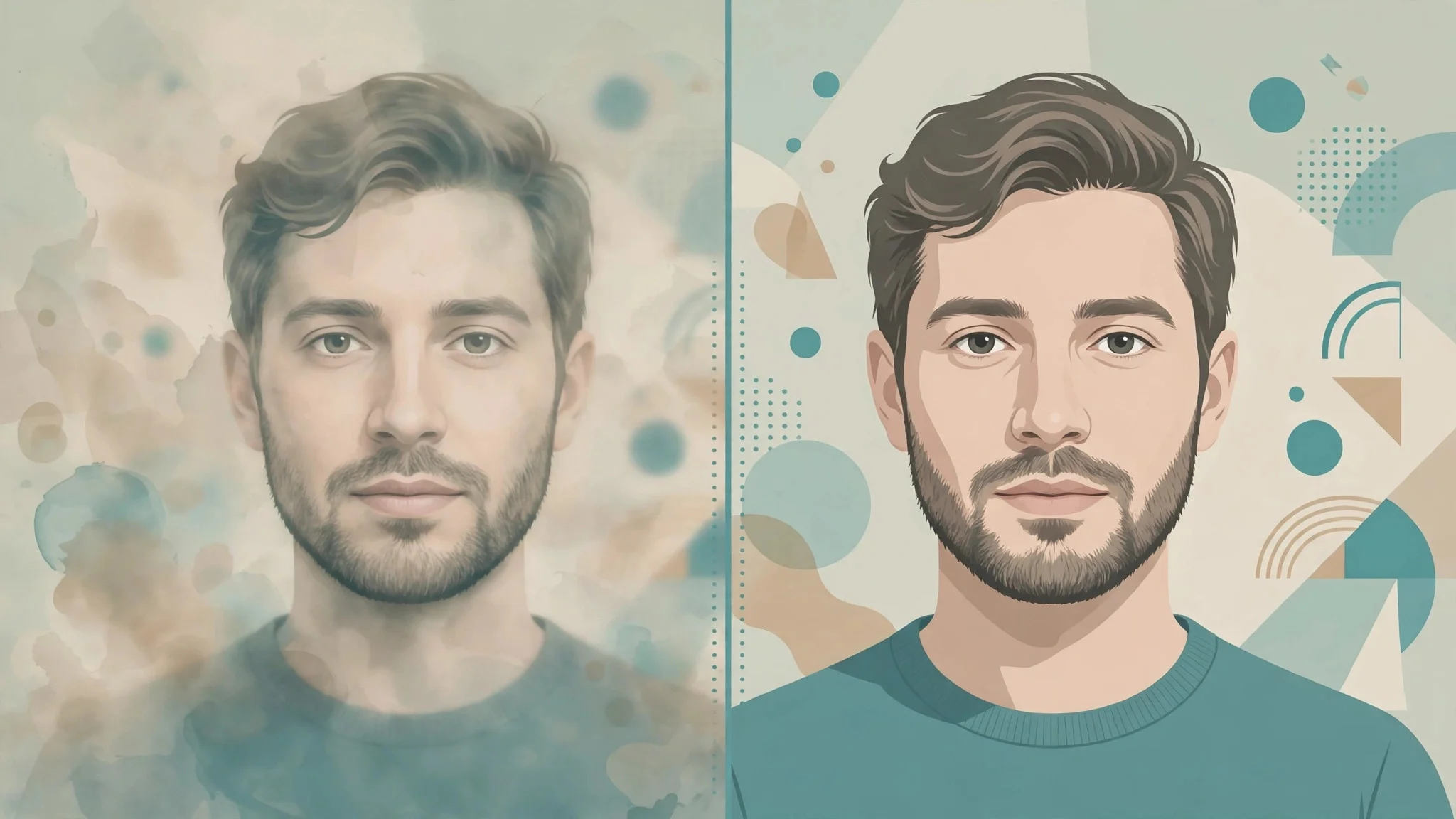
A face is the hardest thing to enhance, because the human eye notices a wrong eye, a smooth cheek or a invented tooth instantly. The best ai photo enhancement tools for faces are the ones that recover detail rather than inventing it, and Remini is the best-known face fixer on phones, while Topaz Photo AI recovers faces on the desktop with more control. A face that looks natural after enhancement is the pass mark, and a face that looks like a painting is a fail.
The test is the full-size view, because a face that looks good as a thumbnail can look wrong at full size. Open the enhanced photo at 100 percent, look at the eyes and the teeth, and ask whether the person is recognisable. When the answer is yes, the tool passes. When the answer is no, the tool has invented detail, and the original is better than the invention.
The teeth test is the smile, because an enhancer that invents teeth will produce a smile that looks wrong, with too many teeth or teeth that are too white. A face recovery tool that respects the original teeth will keep the smile natural, and the full-size view is where the invention shows, so always check the smile at 100 percent.
Print Needs Real Pixels, Not Promises
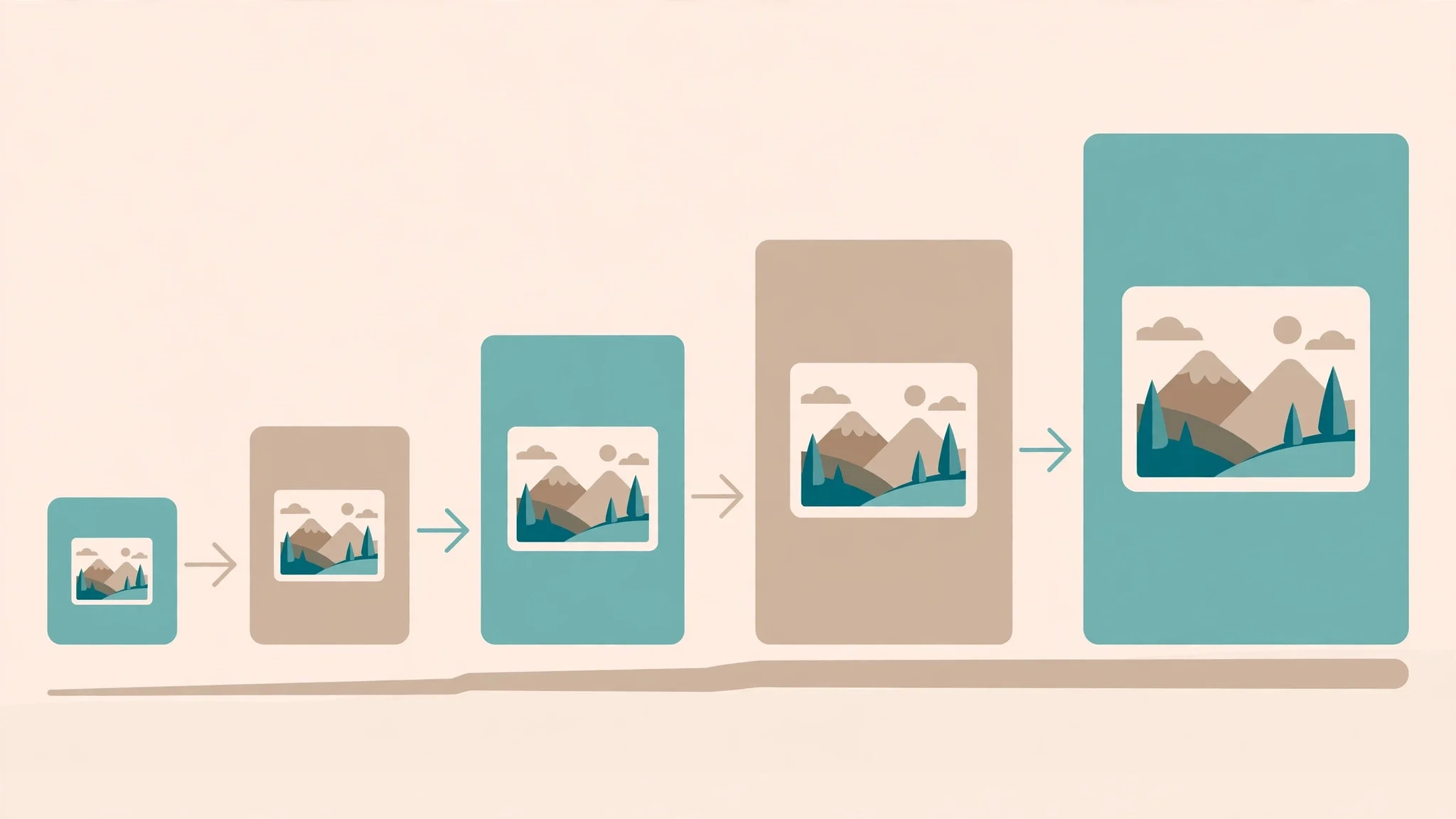
The best ai photo enhancement tools for print are the ones that upscale with real detail, because a thumbnail that becomes a poster needs pixels that hold up at 300 DPI. LetsEnhance upscales up to 16x with output up to 512 megapixels, Topaz Gigapixel upscales to 6x in a single pass, and Magnific adds generative detail that survives a large print. A photo that must hang on a wall needs one of the three, and a photo that only lives on a phone does not.
The batch test matters for print, because a catalog with a hundred product photos needs a tool that handles twenty at once. LetsEnhance batches twenty images, VanceAI batches on the web, and HitPaw batches a folder on the desktop. A tool that enhances one photo at a time will waste an afternoon on a catalog, and the batch mode is the difference.
The DPI test is the print, because a photo that looks sharp on a screen at 72 DPI can fall apart on paper at 300 DPI. A thumbnail that becomes a poster needs upscaling to 16x, which LetsEnhance offers, or to 6x, which Gigapixel offers, and the print shop will ask for 300 DPI, so check the output size before promising a print.
Best Pick by Job
Different situations need different tools, so the best pick changes with the job. This table matches the common situations to the tool that handles each one best. The best ai photo enhancement tools in this guide cover all of these jobs between them.
| Job | Pick | Why |
|---|---|---|
| Best overall quality | Topaz Photo AI | $39 a month, denoise, sharpen, faces and upscale in one app |
| Browser batch and print | LetsEnhance | $9 a month billed annually, 100 credits, rollover to 600 |
| Faces on a phone | Remini | $6.99 a week, one-tap face fix, old photo restorer |
| Upscaling only, large print | Topaz Gigapixel | $29 a month, upscaling to 6x in one pass |
| Budget all-rounder | PicWish | $59.99 a year, free start, batch processing |
| Colourising black and white | Palette.fm | $72 a year, most natural colour |
Old Photos Deserve a Gentle Hand
The best ai photo enhancement tools for old photos are the ones that repair without rewriting, because a family photo from fifty years ago should look like itself, only cleaner. VanceAI repairs scratches, tears and faded colour, Remini restores old portraits on a phone, and Palette.fm colourises black-and-white photos with natural colour. A photo that gains a new face is not a restoration, and the tools that invent the least are the ones to trust.
The workflow is to repair first, then colourise, because a torn photo that is colourised before it is repaired will carry the tear in colour. Scan at high resolution, repair the damage, then add colour, and the result will look like the day the photo was taken rather than a new photo of an old person.
The scan test is the resolution, because an old photo scanned at low resolution cannot be enhanced into a high-resolution print. Scan at 600 DPI or higher, save as TIFF, and the enhancer will have real pixels to work with, while a phone photo of a photo will give the enhancer a distorted starting point.
Credits, Subscriptions and the Real Monthly Cost
A browser enhancer charges by the credit, and the best ai photo enhancement tools for a steady user are the ones whose credits roll over. LetsEnhance lets unused credits roll over up to 600 on Starter, which means a quiet month saves credits for a busy one, while a tool without rollover charges the same whether the credits are used or not. A desktop app charges a subscription with unlimited local rendering, which suits a heavy user who never wants to count credits.
The credit test is the month, because a plan that looks cheap at $9 a month can look dear when the credits run out on day ten. Count the photos needed in a month, divide by the credits on the plan, and the real cost appears. A creator who enhances daily should buy the plan with headroom rather than the cheapest plan on the page.
The subscription test is the year, because a desktop app at $199 a year costs more than a browser tool at $108 a year, but the desktop app never counts credits, while the browser tool does. A heavy user should buy the subscription, and a light user should buy the credits, because the cheapest plan is the one that matches the volume.
The Verdict on Enhancement
Start with Topaz Photo AI when the photos must hold up as large prints, because the quality is the best here. Start with LetsEnhance when the work is print or batch in a browser, because the upscaling and the rollover are the point. Start with Remini when the photo is a face on a phone, and start with PicWish when the budget is tight and the work is mixed. The best ai photo enhancement tools in this guide all do the core job, and the difference between them is which second job they do well, so name the second job first and the tool follows.
Questions About Photo Enhancement
Which AI photo enhancer is best overall?
Topaz Photo AI is the strongest all-round pick, because it combines denoise, sharpen, face recovery and upscaling in one desktop app with unlimited local rendering. LetsEnhance is the best browser option, with 100 credits a month on Starter at $108 a year and upscaling to 256 megapixels.
Can AI enhancement fix a very blurry photo?
It can improve a blurry photo, but it cannot recover detail that was never captured. A slightly soft photo will sharpen well, while a photo that is badly blurred will gain a cleaner look rather than a sharp one. The tools that invent detail, like Magnific, can help, but the result should always be checked at full size.
How much does Topaz Photo AI cost?
It costs $39 a month billed monthly, or $199 a year as a subscription since October 2025, with no perpetual licence for new buyers. Topaz Gigapixel, the upscaling-only tool, costs $29 a month or $149 a year, and the two subscriptions are separate.
Is Remini free to use?
Remini has a free tier with daily caps and watermarks, and the Personal web plan is $6.99 a week for twenty enhancements a week, while Business is $9.99 a week for unlimited enhancements with commercial use. The mobile app bills separately, so a plan bought in one place does not carry over to the other.
Can AI enhancement restore old family photos?
Yes, and that is one of the best uses in this list. VanceAI repairs scratches, tears and faded colour, Remini restores old portraits on a phone, and Palette.fm colourises black-and-white photos with natural colour. Scan at high resolution first, repair the damage, then add colour.
Which photo enhancer is best for ecommerce product photos?
For ecommerce product photos, LetsEnhance is the strongest pick, because the batch mode handles twenty images at once and the upscaling to 16x produces print-ready files, while Fotor pairs enhancement with editing and templates for social posts. For a seller the tools that batch are the ones to pick, because a catalog of a hundred photos cannot be enhanced one at a time.
Before You Enhance the First Photo
Enhance one photo, open it at full size, and compare it with the original side by side, because the full-size view is where over-processing shows. Check the eyes, the teeth and the texture, and ask whether the person is recognisable. The best ai photo enhancement tools in this guide all reward a check at full size, and the check is the test that matters, because a photo is judged at full size, not as a thumbnail.