

A site can have great content and still not rank, because the crawler cannot reach it, the pages are slow, or the structure confuses the index. The best technical seo tools find those problems, because they crawl like a search engine, read the logs like a server, and show where the crawl budget is wasted.
Nine tools made this list, and they split into three kinds. Desktop crawlers like Screaming Frog, Sitebulb and Netpeak Spider crawl deep on a machine. Cloud crawlers like Lumar, JetOctopus and Oncrawl handle very large sites with log analysis. Suite audits like Ahrefs and Semrush cover technical issues inside a wider platform. The prices below were checked against vendor pages and November 2026 roundups, and where sources disagreed the draft says so rather than picking the friendlier number.
In this article
- How the Best Technical SEO Tools Were Compared
- Crawlability Comes Before Content
- Nine Technical Tools, Judged on the Crawl
- Technical Tools Compared in One Table
- JavaScript Rendering Is No Longer Optional
- Log Files Show What the Crawler Really Does
- Best Pick by Job
- Scale Decides Desktop or Cloud
- The Technical Shortlist, Decided
- Speed, Mobile and the Core Web Vitals
- Questions About Technical SEO Tools
- Before You Run the First Technical Audit
How the Best Technical SEO Tools Were Compared
Each tool in this guide was judged on five things that decide whether a technical audit gets used. Crawl depth is first, because a crawler that misses pages misses problems. Log analysis is second, because the logs show what the crawler actually does. JavaScript rendering is third, because a site that renders with JavaScript needs a crawler that executes it. Scale is fourth, because a million-page site needs the cloud. Price is fifth, because a desktop crawler costs far less than a cloud platform.
The tools in this guide all handle real technical work, and every tool here has a free plan, a free trial or a demo except the ones that say otherwise. The comparison below names the limit of each tool plainly, because a tool bought for the wrong half of the job wastes more than its subscription. It wastes the fixes it was bought to find.
The rendering test is the framework, because a site built with a JavaScript framework needs a crawler that executes it, and Screaming Frog handles JavaScript rendering while some simpler tools do not. A team with a modern framework should check the rendering before buying.
The extraction test is the field, because a specialist who needs to pull a specific field off every page will use custom extraction, and Screaming Frog is the deepest tool here for that. A team that never extracts custom data will not need it, so check whether the job needs it before paying for it.
Crawlability Comes Before Content
The best technical seo tools start with crawlability, because a page that cannot be crawled cannot rank, and the reasons are usually simple. A broken link, a redirect chain, a blocked resource or a slow page will stop the crawler, and the audit finds them all. Screaming Frog finds them on the desktop, Sitebulb explains them, and the cloud tools find them at scale.
The second job is the index, because a site with a thousand pages may have only a hundred indexed, and the gap is where the traffic is lost. A technical tool shows which pages are indexed, which are ignored, and why, so the team can fix the structure rather than writing more content for pages that will never be found.
The redirect test is the chain, because a redirect chain with three hops wastes crawl budget and slows the page, and the audit should flag every chain longer than one hop. Screaming Frog finds redirect chains, Sitebulb explains them, and the fix is to point the old URL straight at the final one.
The structure test is the depth, because a page buried five clicks from the homepage will be crawled rarely, while a page two clicks away will be crawled often. A technical audit should show the click depth of every page, and the team should flatten the structure so the important pages sit close to the homepage.
Nine Technical Tools, Judged on the Crawl
1. Screaming Frog SEO Spider
Best for Deep configurable crawling on the desktop. Price Free to 500 URLs, $279 a year. Free plan Free version, 500 URLs.
Screaming Frog is the standard technical crawler, finding broken links, redirect chains, missing and duplicate titles, canonical and hreflang problems, and JavaScript rendering issues. Custom extraction pulls almost anything off every page, and the crawl size depends on the computer’s memory rather than a plan limit, so a specialist can crawl a large site without a meter.
The free version crawls up to 500 URLs, and a licence costs $279 per user per year, or 199 pounds, with no auto-renewal. Volume tiers drop the price for five or more licences. The trade is the machine, because a large crawl needs memory and a fast disk.
Pick it when the technical audit needs deep, configurable crawling, because the control is unmatched. Skip it when the team needs scheduled cloud crawls, because the Frog runs on a machine.
Watch out. The free version caps at 500 URLs, so a real site needs the licence.
2. Sitebulb
Best for Prioritised hints and visual crawl maps. Price Lite $18 a month. Free plan 14-day trial.
Sitebulb crawls like Screaming Frog but explains what it finds, with prioritised hints and crawl maps that make it easier to hand a report to a client or a developer. It is the best technical tool for consultants, because the visual reports show the issue, why it matters, and what to fix first.
Desktop Lite costs $18 a month, or $180 a year, for one user and caps each audit at 10,000 URLs. Pro costs $42 a month, or $425 a year, raises the cap to 500,000 URLs, and adds scheduled audits, audit comparisons and customised PDF reports. Cloud starts at $125 a month.
Pick it when the technical findings must be explained, because the hints are the point. Skip it when the crawl is huge and the budget is tight, because Lite caps at 10,000 URLs.
Watch out. The Lite cap is per audit, so a large site needs Pro or Cloud.
3. Lumar
Best for Cloud crawling for very large sites. Price See website. Free plan Demo available.
Lumar handles very large sites in the cloud, with crawling, monitoring and reporting built for enterprise scale. It suits a site with a million pages, because the cloud crawls without a machine limit, and the monitoring catches new issues as they appear rather than at the next audit.
Pricing is by quote, with a demo available to test the platform before buying. The trade is cost, because enterprise crawling is priced for enterprise budgets, and a small site will find it dear.
Pick it when the site is very large, because the cloud scale is the point. Skip it when the site is small, because a desktop crawler is cheaper.
Watch out. The quote depends on the site size, so get the number before committing.
4. Ahrefs
Best for Cloud audits linked to backlinks. Price Starter $29 a month. Free plan Free for verified sites.
Ahrefs Site Audit runs in the cloud, so crawls can be scheduled, and it checks more than 170 technical and on-page issues, with every audit linking into the backlink index and the keyword data. A team already using Ahrefs for backlinks will find the audit more useful than a standalone crawler, because the findings connect to the links that matter.
Starter costs $29 a month, Lite costs $129 a month with 100,000 crawl credits, and Standard costs $249. Ahrefs Webmaster Tools gives verified owners limited free Site Audit access for their own domains, with 5,000 crawl credits a month per verified project.
Pick it when the team already uses Ahrefs, because the audit is already there. Skip it when the budget is tight, because the credit limits need watching.
Watch out. Credits are only spent on HTML pages returning status 200, so the count is fairer than it looks.
5. Semrush
Best for Technical audits inside a full suite. Price SEO $139 a month. Free plan Free account, 7-day trial.
Semrush Site Audit checks more than 140 technical and on-page issues and crawls up to 100,000 pages a month on Pro, with scheduled crawls, and the audit sits inside a full suite with rank tracking, backlink data and competitor research. A team that runs SEO and paid search together will find the audit more useful inside the suite than alone.
The SEO plan costs $139 a month, or $117.33 a month billed annually. The free account gives ten reports a day, and a seven-day trial covers the full suite. The trade is price, because $139 a month is dear for an audit alone, and the value comes from the suite.
Pick it when the audit is one job inside a wider SEO programme, because the suite is the point. Skip it when the job is audits only, because a crawler is cheaper.
Watch out. The crawl size is not printed on the plan cards, so check the limits before buying.
6. JetOctopus
Best for Log file analysis and large-site crawling. Price See website. Free plan Free trial.
JetOctopus pairs crawling with log file analysis, which suits a large site where the question is not only what is broken but what Googlebot actually crawls. The log analysis shows which pages the crawler visits, which it ignores, and where the crawl budget is wasted, which no standard crawler shows.
Pricing is shown on the vendor page, with a free trial to test the log analysis before paying. The trade is scope, because JetOctopus is built for large sites, and a small site will find the log analysis unnecessary.
Pick it when the site is large and the crawl budget matters, because the log data is the point. Skip it when the site is small, because a desktop crawler covers it.
Watch out. Log file analysis needs access to the server logs, so check that the host provides them.
7. ContentKing
Best for Real-time monitoring that catches issues fast. Price See website. Free plan Free trial.
ContentKing monitors a site in real time, crawling continuously and alerting the team the moment something breaks, which suits a site where a broken page costs money by the hour. A changed title, a lost redirect or a new error is flagged within minutes, rather than at the next monthly audit.
Pricing is shown on the vendor page, with a free trial to test the monitoring before paying. The trade is cost, because real-time monitoring is priced for teams that need it, and a small site that changes rarely will find a monthly audit enough.
Pick it when the site changes daily and errors cost money, because the speed is the point. Skip it when the site changes rarely, because a monthly audit is cheaper.
Watch out. The alerts need tuning, because a noisy monitor will be ignored, and the tuning takes a week.
8. Oncrawl
Best for Technical SEO with log analysis for enterprises. Price See website. Free plan Demo available.
Oncrawl pairs technical crawling with log file analysis for enterprises, showing which pages Googlebot visits, which it ignores, and where the crawl budget goes. It suits a large site with a complex structure, because the combination of crawl and log data shows the full picture of how the site is indexed.
Pricing is by quote, with a demo available to test the platform before buying. The trade is cost, because enterprise crawling is priced for enterprise budgets, and a small site will find it dear.
Pick it when the site is large and the indexing matters, because the log data is the point. Skip it when the site is small, because a desktop crawler covers it.
Watch out. The pricing page has been unreliable, so ask for a quote directly rather than trusting the site.
9. Netpeak Spider
Best for Budget desktop crawler with bulk checks. Price See website. Free plan Free trial.
Netpeak Spider is the budget desktop crawler in this list, with bulk checks for broken links, redirects, titles, duplicates and server errors, at a price below the specialist tools. It suits a freelancer or a small agency that needs a solid crawl without paying for a premium brand.
Pricing is shown on the vendor page, with a free trial to test the crawl before paying. The trade is depth, because Netpeak Spider is a solid crawler rather than the deepest one, and a specialist who needs custom extraction will find Screaming Frog deeper.
Pick it when the budget is tight and the crawl must be solid, because the price is the point. Skip it when the audit needs custom extraction, because Screaming Frog does that better.
Watch out. The interface is plainer than the premium tools, so allow an hour to learn it.
Technical Tools Compared in One Table
This table compares the best technical seo tools on the facts that decide a purchase. Prices are in US dollars and change by country and promotion, so check the vendor page before you buy.
| Tool | Price | Free plan | Best for |
|---|---|---|---|
| Screaming Frog SEO Spider | Free to 500 URLs, $279 a year | Free version, 500 URLs | Deep configurable crawling on the desktop |
| Sitebulb | Lite $18 a month | 14-day trial | Prioritised hints and visual crawl maps |
| Lumar | See website | Demo available | Cloud crawling for very large sites |
| Ahrefs | Starter $29 a month | Free for verified sites | Cloud audits linked to backlinks |
| Semrush | SEO $139 a month | Free account, 7-day trial | Technical audits inside a full suite |
| JetOctopus | See website | Free trial | Log file analysis and large-site crawling |
| ContentKing | See website | Free trial | Real-time monitoring that catches issues fast |
| Oncrawl | See website | Demo available | Technical SEO with log analysis for enterprises |
| Netpeak Spider | See website | Free trial | Budget desktop crawler with bulk checks |
The price spread in this list runs from free to a custom quote, because a desktop crawler and an enterprise cloud platform solve different problems. The free tools crawl a small site well, the $18 to $29 plans serve a specialist, and the enterprise tools serve a site with a million pages. Match the plan to the site size, and the price will make sense.
JavaScript Rendering Is No Longer Optional
The best technical seo tools for a modern site execute JavaScript, because a site that renders content with JavaScript will look empty to a crawler that does not. Screaming Frog handles JavaScript rendering, the cloud tools handle it at scale, and a crawler that cannot render will report a site as broken when it is merely modern.
The test is the rendered page, because a crawler that reports the raw HTML will miss the content that JavaScript adds, and the audit will be wrong. A team with a JavaScript framework should check whether the tool renders it before buying, because the answer decides whether the audit is trustworthy.
The hreflang test is the language, because a multilingual site with broken hreflang will show the wrong language to the wrong visitor, and the audit should check every hreflang tag. Screaming Frog checks hreflang, and the fix is usually a missing return tag or a wrong language code.
The canonical test is the duplicate, because a site with duplicate content needs canonical tags that point to the right version, and the audit should flag every page with a missing or wrong canonical. A wrong canonical will send the ranking to the wrong page, so the check matters.
The sitemap test is the audit, because a sitemap that lists pages the crawler cannot reach is a sitemap that lies, and the audit should compare the sitemap with the crawl. A page in the sitemap but not in the crawl is a page that needs fixing, and the comparison is a quick win.
Log Files Show What the Crawler Really Does
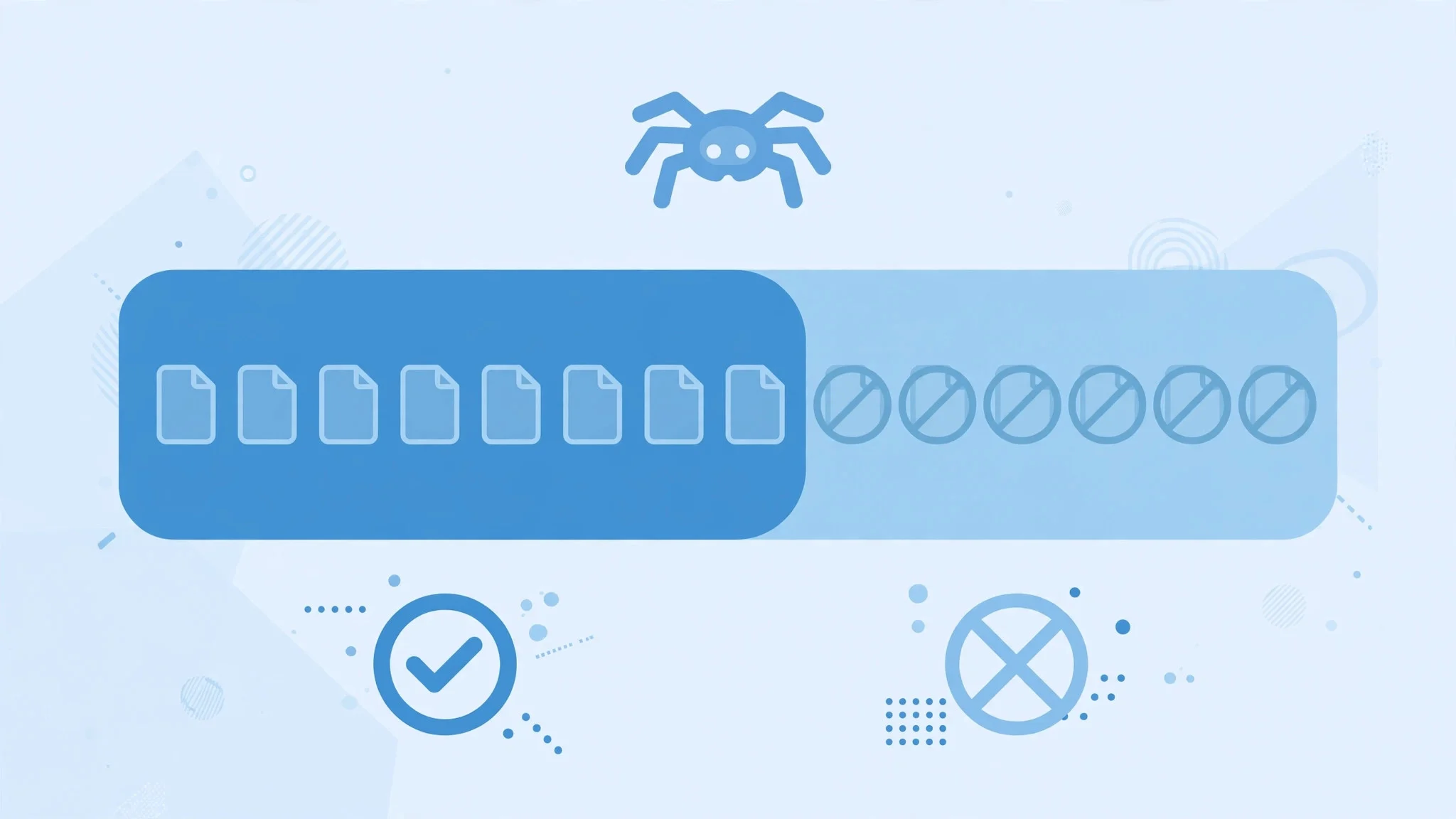
A crawl shows what is broken, and a log file shows what the crawler actually visits, and the best technical seo tools for large sites use both. JetOctopus and Oncrawl pair crawling with log file analysis, showing which pages Googlebot visits, which it ignores, and where the crawl budget is wasted, which no standard crawler shows.
The test is the budget, because a site with a million pages and a limited crawl budget needs the crawler to visit the right pages. A log analysis that shows the budget wasted on faceted URLs, old pages or duplicate content will save more traffic than any content fix, and the tools in this list that read logs are the ones a large site should buy.
The budget test is the log, because a site with a million pages and a limited crawl budget needs the crawler to visit the right pages. A log analysis that shows the budget wasted on faceted URLs will save more traffic than any content fix, and the tools that read logs are the ones a large site should buy.
The server test is the log, because log file analysis needs access to the server logs, and some hosts do not provide them. A team should confirm that the host provides logs before buying a tool that reads them, because the analysis cannot run without the data.
Best Pick by Job
Different situations need different tools, so the best pick changes with the job. This table matches the common situations to the tool that handles each one best. The best technical seo tools in this guide cover all of these jobs between them.
| Job | Pick | Why |
|---|---|---|
| Deep desktop crawl | Screaming Frog | Free to 500 URLs, $279 a year, custom extraction |
| Reports a client understands | Sitebulb | Lite $18 a month, prioritised hints, visual maps |
| Large site, crawl budget | JetOctopus | Free trial, log file analysis, large-site crawling |
| Very large site, cloud scale | Lumar | Demo available, cloud crawling, monitoring |
| Technical audit inside a suite | Ahrefs | Starter $29 a month, 170 plus issues, scheduled crawls |
| Budget desktop crawler | Netpeak Spider | Free trial, bulk checks, below premium prices |
A team that is unsure should crawl the same site with the two tools at the top of its shortlist, fix the top ten issues from each, and compare the reports. The tool whose report leads to fixes is the tool to keep, and the test costs two crawls.
Scale Decides Desktop or Cloud
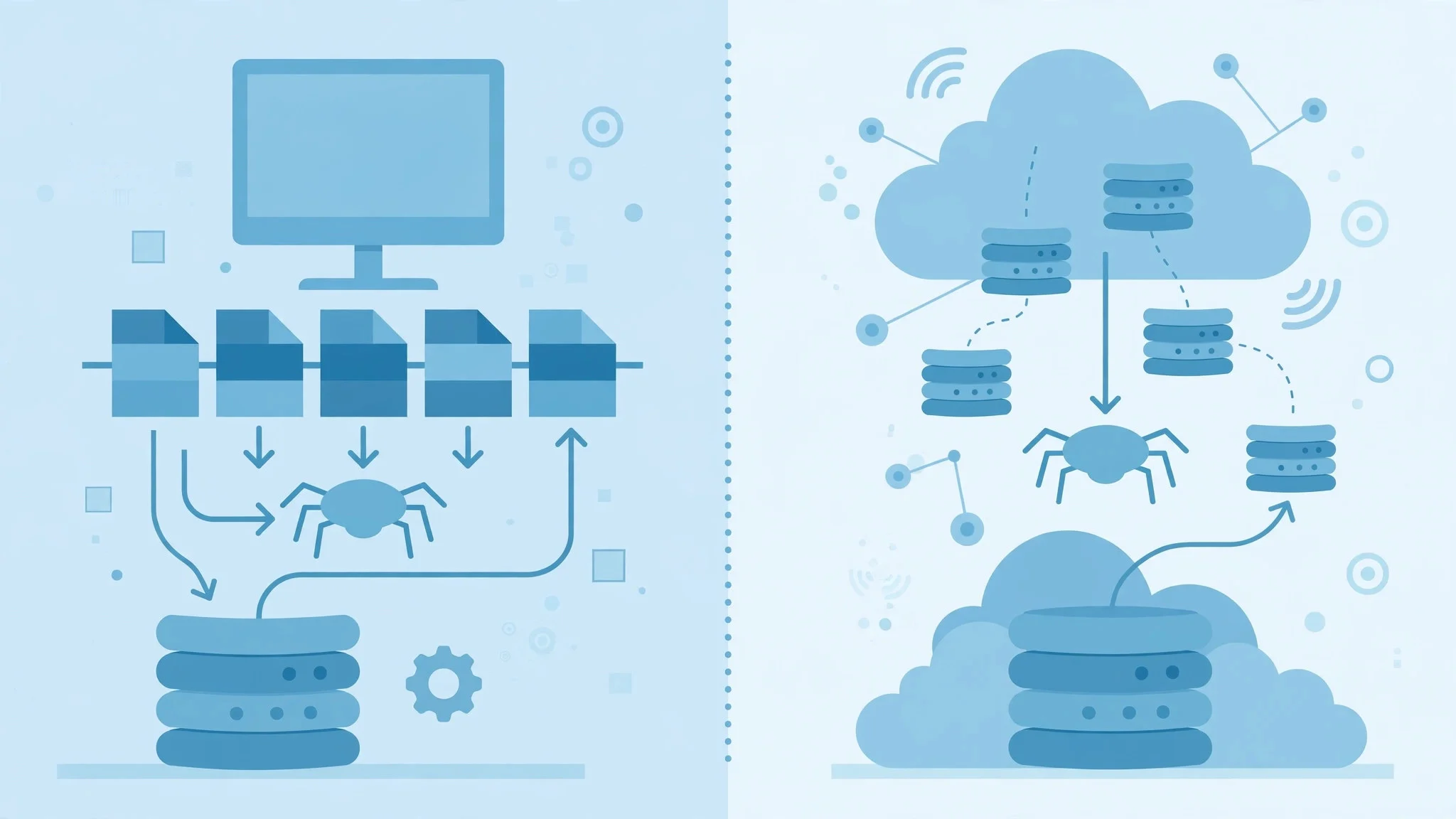
The best technical seo tools for a small site run on the desktop, because Screaming Frog at $279 a year and Sitebulb Lite at $18 a month cover a site with thousands of pages, and the crawl size depends on the machine rather than a plan limit. A large site needs the cloud, because Lumar, JetOctopus and Oncrawl crawl without a machine limit, and the monitoring catches new issues as they appear.
The break point is around a hundred thousand pages, because a desktop crawler can handle that on a strong machine, while a million-page site needs the cloud. A team should count the pages before choosing, because the wrong choice will either cap the crawl or waste the budget.
The machine test is the memory, because a desktop crawler needs memory and a fast disk for a large crawl, and a weak machine will cap the crawl before the site ends. A team that crawls a hundred thousand pages should use a strong machine, while a million-page site should use the cloud.
The monitoring test is the break, because a site that breaks silently will lose traffic before anyone notices. ContentKing monitors in real time and alerts within minutes, while a monthly audit will find the break a month late, so a site that changes daily should monitor rather than audit.
The cloud test is the million, because a site with a million pages needs the cloud, while a site with a hundred thousand pages fits on a strong desktop. Lumar, JetOctopus and Oncrawl crawl without a machine limit, and the choice should follow the page count rather than the brand.
The Technical Shortlist, Decided
Start with Screaming Frog when the technical audit needs deep, configurable crawling, because the control is unmatched. Start with Sitebulb when the findings must be explained to a client, because the hints are the point. Start with JetOctopus or Oncrawl when the site is large and the crawl budget matters, because the log data is the point, and start with Ahrefs or Semrush when the team already uses the suite. The best technical seo tools in this guide all do the core job, and the difference between them is which second job they do well, so name the second job first and the tool follows.
Speed, Mobile and the Core Web Vitals
A slow page loses rankings and visitors, and the best technical seo tools for speed check the Core Web Vitals alongside the crawl. A page that loads slowly on a phone will rank worse than a fast page with thinner content, and the audit should flag the slow pages with the same priority as the broken ones, because speed is a ranking factor and a user experience issue at once.
The mobile test is the phone, because most visitors arrive on a phone, and a page that loads slowly on mobile will rank worse than a fast page with thinner content. The audit should check the Core Web Vitals on mobile first, because the mobile score is the one that matters.
The speed test is the second, because a page that loads in two seconds will keep visitors, while a page that loads in six seconds will lose them. The audit should flag the slowest pages with the same priority as the broken ones, because speed is a ranking factor and a user experience issue at once.
The image test is the size, because a page with uncompressed images will load slowly, and the audit should flag the largest images. A team that compresses the images will improve the Core Web Vitals faster than any code change, and the fix is usually a single batch job.
The internal link test is the orphan, because a page with no internal links will rarely be crawled, and the audit should flag every orphan page. A team that links the orphans into the structure will see them indexed within weeks, and the fix is a link rather than a rewrite.
Questions About Technical SEO Tools
Which technical SEO tool is best overall?
Screaming Frog is the standard desktop crawler, free to 500 URLs and $279 a year after that, while Sitebulb is the best for consultants who need reports that explain themselves, at $18 a month for Lite. For very large sites, Lumar, JetOctopus and Oncrawl handle the cloud scale with log analysis.
What is log file analysis, and do I need it?
Log file analysis reads the server logs to show which pages the search crawler actually visits, which it ignores, and where the crawl budget is wasted. A small site does not need it, because a desktop crawler covers the site, while a large site with a million pages needs it to see where the budget goes.
How much does Screaming Frog cost?
The free version crawls up to 500 URLs, and a licence costs $279 per user per year, or 199 pounds, with no auto-renewal. Volume tiers drop the price for five or more licences.
Do I need a technical SEO tool if I use Semrush or Ahrefs?
The suites cover technical issues well, with Semrush checking more than 140 issues and Ahrefs checking more than 170, so a team that already uses one may not need a specialist. A specialist crawler is worth it when the site is large, renders with JavaScript, or needs custom extraction that the suites do not offer.
How often should I run a technical audit?
Monthly for a site that changes regularly, and weekly for a site that changes daily. The cloud tools schedule crawls and monitor in real time, so the audit stays fresh, while the desktop tools need a person to run them, so the habit matters more than the tool.
Which technical SEO tool is best for a large ecommerce site?
For a large ecommerce site, JetOctopus is the strongest pick, because it pairs crawling with log file analysis, showing which pages the crawler visits and where the budget is wasted on faceted URLs. For an ecommerce site the tools that read logs are the ones to buy, because the crawl budget is the constraint and the logs show where it goes.
Before You Run the First Technical Audit
Count the pages, check whether the site renders with JavaScript, and confirm that the server logs are available, because those three facts decide the tool. Run the audit, fix the crawlability issues first, and run it again, because the loop is the improvement. The best technical seo tools in this guide all reward a team that audits regularly, and the regular audit is the habit that keeps a site healthy.