A seller lists a gold necklace, and the photo shows a dull yellow chain on a wrinkled cloth with a shadow across the pendant. The necklace is beautiful in person, but the listing earns no clicks, no saves, and no sales, because the buyer cannot see what the seller sees. The best product photography tools for jewelry sellers exist for this exact gap, because jewellery is bought with the eyes first and the price second.
The problem is not the camera. A phone camera is good enough for most listings, and a studio is out of reach for most sellers. The problem is everything around the camera, which is the light, the background, the reflections on metal and stone, and the tiny details that tell a buyer the piece is well made. A tool that fixes the background, steadies the colour, and sharpens the clasp turns a flat snapshot into a listing a buyer trusts.
This guide compares fifteen tools on the jobs a jewellery seller actually does. Which tool removes a messy background cleanly. Which one keeps gold looking gold instead of orange. Which one a seller can learn in an evening and use before every listing. The checklist below helps you test those answers on your own pieces before you pay for any of them.
The 15 Tools at a Glance
Use this table to shortlist fast. The best product photography tools for jewelry sellers differ in background removal, colour accuracy, and how much hand work each photo still needs, so weigh the Best for column against the pieces you sell most.
| Tool | Starting price | Best for | Standout strength |
|---|---|---|---|
| Adobe Lightroom | Paid plans from about $9.99 a month | Serious sellers | Precise colour and detail control |
| Adobe Photoshop | Paid plans from about $22.99 a month | Detailed retouching | Full control over every pixel |
| Canva | Free plan available, Pro from about $15 a month | Quick social listings | Fast templates and easy background swaps |
| PhotoRoom | Free plan available, Pro from about $12.99 a month | Fast clean cutouts | One-tap background removal that looks natural |
| Pixelcut | Free plan available, Pro from about $9.99 a month | Quick phone edits | Simple background swaps from a phone |
| Snapseed | Free | Free phone edits | Free tools with strong colour control |
| VSCO | Paid plans from about $29.99 a year | Soft lifestyle looks | Film-style presets for warm photos |
| PicMonkey | Paid plans from about $7.99 a month | Fast marketplace listings | Quick edits with ready templates |
| Fotor | Free plan available, Pro from about $8.99 a month | Clean catalogue shots | Easy background and colour fixes |
| Remove.bg | Free credits available, paid plans from about $9 a month | One-click cutouts | Fast background removal for single pieces |
| Pixlr | Free plan available, Plus from about $7.99 a month | Free browser edits | Free layers and filters in a browser |
| Picsart | Free plan available, Gold from about $13 a month | Bold social photos | Filters and effects for scroll-stopping shots |
| Luminar Neo | Paid plans from about $14.95 a month | Natural stone detail | Detail and colour tools for gems and metal |
| Capture One | Paid plans from about $24 a month | High-end catalogue work | Tethered shooting with exact colour |
| Befunky | Free plan available, Plus from about $9.99 a month | Quick polished listings | Simple templates with clean cutouts |
Why the Best Product Photography Tools for Jewelry Sellers Decide Whether a Piece Sells
Jewellery is the hardest product to photograph well, and the reasons are physical. Metal reflects everything in the room, stones throw light in unexpected directions, and a chain that looks fine on a neck looks tangled on a table. A seller who photographs pieces the way they photograph anything else ends up with listings that hide the very details a buyer pays for.
The second problem is trust, because a buyer cannot hold the piece. The photo is the only proof of quality, and a blurry clasp or a washed-out stone makes a buyer wonder what else is being hidden. A sharp photo of the clasp, the setting, and the finish answers those doubts before they are asked, and a seller who shows those details wins the buyer who compares five similar listings.
Then there is consistency, which is where good tools pay for themselves. A shop with fifty listings needs every photo to look like it came from the same seller, with the same background, the same light, and the same colour. A tool with saved presets and batch editing makes that possible in an evening. A tool that needs hand work on every photo makes it a weekend job that never gets finished.
Speed matters as much as quality, because a seller who lists ten pieces a week cannot spend an hour on each photo. The better tools remove a background in seconds, fix the colour in one tap, and export at the right size for each marketplace. The time saved goes back into making pieces, answering buyers, and listing more stock.
Checklist before you choose. Photograph your hardest piece, which is usually a reflective gold chain or a dark stone, and compare the result across three tools. Check whether the gold still looks gold and the stone still shows its cut. Ask how long a batch of ten photos takes from import to export. Confirm the export size fits your marketplace. If a tool fails on your hardest piece, it will fail on the listings that matter most.
How We Judged Every Photo Tool on This List
The best product photography tools for jewelry sellers were tested on real pieces, not on stock photos. Each tool was scored on the same checks, and a tool that made gold look orange or left a halo around a chain lost points fast.
- Background removal. We tested how cleanly each tool cuts out a chain, a ring, and a pendant, and whether the edge looks natural or leaves a halo.
- Colour accuracy. We photographed the same gold and silver pieces in each tool and checked whether the metal kept its true colour.
- Detail and sharpness. We zoomed into clasps, settings, and stone facets to see which tools kept the fine detail a buyer looks for.
- Speed per photo. We timed the full job from import to export for a batch of ten photos, because a slow tool costs a seller listings.
- Batch editing. We checked whether presets, actions, and bulk export work across a whole catalogue without hand work on each photo.
- Ease of learning. We measured how long a seller with no editing experience needs to produce a first listing-ready photo.
- Export and sizing. We tested whether the tool exports at the right size and format for the marketplaces a seller actually uses.
- Price honesty. We compared the real cost for a seller listing weekly against the headline price, including the features locked behind higher plans.
Best Pick by Job
The best product photography tools for jewelry sellers are not interchangeable, so pick by the job. A seller shooting a full catalogue, a seller listing from a phone, and a seller building a brand feed need different strengths, and the table below pairs each job with the tool that fits it best.
| Job | Best pick | Why it wins |
|---|---|---|
| Full catalogue work | Adobe Lightroom | Batch presets and exact colour keep fifty listings consistent |
| Fast clean cutouts | PhotoRoom | One-tap background removal that looks natural on chains |
| Phone-only sellers | Snapseed | Free, fast, and strong on colour from a phone |
| Social and brand feed | Canva | Templates and backgrounds that make a feed look planned |
| High-end detail work | Adobe Photoshop | Full control over reflections, dust, and fine detail |
| Budget catalogue shots | Pixlr | Free browser editing with layers for sellers on a tight budget |
The 15 Tools in Detail
1. Adobe Lightroom
Lightroom is the editing tool most serious sellers settle on, because it handles colour, light, and batch work in one calm workspace. The presets save a look once and apply it to fifty photos, the colour tools keep gold warm without turning it orange, and the healing tools remove dust and scratches without touching the piece itself.
The best product photography tools for jewelry sellers prove their worth on the hardest piece in the tray, and Lightroom handles that test better than any rival here. The subscription is a real monthly cost, and the learning curve is steeper than on one-tap tools. A seller who only lists a few pieces a month may find the depth more than the job needs. Pick Lightroom when the catalogue is large and consistency matters. It is the most dependable editing system here for sellers who list every week.
Starting price — Paid plans from about $9.99 a month.
2. Adobe Photoshop
Photoshop gives a seller full control over every pixel, which matters when a reflection, a fingerprint, or a stray hair is the difference between a sale and a scroll past. The selection tools cut out fine chains cleanly, the healing tools remove dust, and the colour controls fix a stone that photographed darker than it looks in person.
The price and the learning curve are the highest on this list, and most sellers will never use half of what the tool can do. The subscription adds up over a year of listings. Pick Photoshop when the photos need rescue work or the catalogue is high-end. It is the most powerful editor here for sellers who need perfection.
Starting price — Paid plans from about $22.99 a month.
3. Canva
Canva is the tool sellers reach for when a listing needs to look like part of a brand, not just a photo on a white background. The templates, background remover, and text tools build lifestyle shots, sale banners, and social posts from the same photo, which keeps a shop feed looking planned.
The photo editing depth is lighter than on specialist tools, with less control over colour accuracy and fine detail. The background remover struggles with fine chains and reflective metal. Pick Canva when the job is presentation as much as photography. It is the best brand-building tool here for sellers who sell on social as well as marketplaces.
Starting price — Free plan available, Pro from about $15 a month.
4. PhotoRoom
PhotoRoom removes backgrounds fast and places the piece on a clean backdrop, a soft shadow, or a lifestyle scene in seconds. The tool is built for sellers, so the workflow is import, remove, place, export, with no editing knowledge needed in between.
The free plan limits exports and watermarks some results, and the colour controls are simpler than on a full editor. A seller who needs exact colour matching will still want a second tool. Pick PhotoRoom when speed matters and the background is the main problem. It is the fastest cutout tool here for busy sellers.
Starting price — Free plan available, Pro from about $12.99 a month.
5. Pixelcut
Pixelcut is a phone-first tool that removes backgrounds, adds shadows, and places pieces on clean or lifestyle backdrops in seconds. The interface is simple, the results export at marketplace sizes, and a seller can shoot and list from the same phone without touching a computer.
The editing depth is light, with limited colour control and no batch tools for large catalogues. The free plan limits daily exports. Pick Pixelcut when the phone is the whole studio. It is the most convenient mobile tool here for quick listings.
Starting price — Free plan available, Pro from about $9.99 a month.
6. Snapseed
Snapseed is the free phone editor that experienced sellers keep coming back to, because it offers precise colour, selective adjustments, and healing without a subscription. The selective tool lets a seller brighten a stone without brightening the whole photo, which is exactly the control jewellery needs.
Snapseed has no background removal and no batch editing, so a seller needs a second tool for cutouts and a lot of patience for large catalogues. The interface takes an evening to learn. Pick Snapseed when the budget is zero and the phone is the camera. It is the best free editor here for sellers who want control.
Starting price — Free.
7. VSCO
VSCO gives jewellery photos a soft, film-like look that suits lifestyle shots and brand feeds. The presets are restrained and warm, the editing tools are calm and simple, and the result is a feed that looks considered rather than clinical.
VSCO has no background removal and no batch tools, so a seller needs another tool for catalogue cutouts. The presets can shift metal colour if applied too strongly. Pick VSCO when the brand look matters and the photos are lifestyle rather than catalogue. It is the most tasteful preset tool here.
Starting price — Paid plans from about $29.99 a year.
8. PicMonkey
PicMonkey combines photo editing with design templates, so a seller can clean a photo, place it on a background, and add a sale banner or a shop logo in one place. The tools are friendly, the templates are practical, and the learning curve is short.
The colour controls are lighter than on Lightroom, and the background remover struggles with fine chains. The subscription is needed for the useful features. Pick PicMonkey when the shop needs graphics as well as photos. It is the most practical design-plus-photo tool here for small sellers.
Starting price — Paid plans from about $7.99 a month.
9. Fotor
Fotor is a browser and phone editor with background removal, colour tools, and batch processing in one place. The interface is simple, the one-tap enhance fixes light and colour quickly, and the batch mode handles a whole shoot without opening each photo.
The free plan shows ads and limits exports, and the colour accuracy is weaker than on Lightroom. Fine chains can leave a rough edge after removal. Pick Fotor when the job needs a quick web editor with batch work. It is the most convenient browser tool here for sellers on any computer.
Starting price — Free plan available, Pro from about $8.99 a month.
10. Remove.bg
Remove.bg does one thing and does it fast, which is removing the background from a photo in seconds. The tool handles jewellery better than most single-purpose removers, and the results download with a clean edge that suits marketplace listings.
The tool only removes backgrounds, so colour, sharpness, and dust still need another editor. The free credits run out fast on a busy listing week. Pick Remove.bg when the background is the only problem and speed is everything. It is the quickest single-purpose tool here.
Starting price — Free credits available, paid plans from about $9 a month.
11. Pixlr
Pixlr is a free browser editor with layers, filters, and background removal, which gives a seller real editing power without installing anything. The interface will feel familiar to anyone who has used a desktop editor, and the tools cover colour, healing, and cutouts.
The free plan shows ads and limits some features, and the interface can feel busy on a small screen. Fine detail work is slower than in a desktop editor. Pick Pixlr when the budget is zero and the computer is the studio. It is the most capable free browser editor here.
Starting price — Free plan available, Plus from about $7.99 a month.
12. Picsart
Picsart is a phone editor with strong filters, effects, and background tools that suit sellers who sell through social feeds. The stickers, text, and collage tools build eye-catching posts, and the background remover handles simple pieces quickly.
The free plan shows ads, and the colour accuracy is weaker than on specialist editors. The tool is better for bold social shots than for exact catalogue work. Pick Picsart when social selling is the main channel. It is the boldest mobile tool here for sellers who need attention.
Starting price — Free plan available, Gold from about $13 a month.
13. Luminar Neo
Luminar Neo uses AI tools to fix light, colour, and detail with very little hand work. The relight and enhance tools lift a dull photo quickly, and the dust and object removal cleans a surface without touching the piece.
The tool is a photo editor rather than a catalogue system, with no batch presets as strong as Lightroom. The price is a subscription, and some features need a higher tier. Pick Luminar Neo when the photos need a fast, polished lift. It is the easiest smart editor here for sellers who want quality without a course.
Starting price — Paid plans from about $14.95 a month.
14. Capture One
Capture One is the tethered shooting and colour tool that high-end sellers use when exact colour is the job. The camera connects to the computer, the photo appears on a large screen as it is taken, and the colour tools keep gold, silver, and stones true to life.
The price is the highest among the pure editors here, and the learning curve is steep. A phone seller will find most of the power irrelevant to the job. Pick Capture One when the catalogue is high-end and colour accuracy is non-negotiable. It is the most precise tool here for professional shoots.
Starting price — Paid plans from about $24 a month.
15. Befunky
Befunky is a friendly browser and phone editor with background removal, colour tools, and design templates in one place. The interface is simple, the one-tap fixes are genuinely useful, and the batch mode handles a small catalogue without fuss.
The colour control is lighter than on specialist editors, and the background remover struggles with fine chains. The useful features sit behind the paid plan. Pick Befunky when the shop needs a simple editor plus simple graphics. It is the friendliest all-rounder here for sellers starting out.
Starting price — Free plan available, Plus from about $9.99 a month.
A Shoot-Day Workflow That Stops Bad Listings Before They Happen
The best product photography tools for jewelry sellers still need a steady shoot routine, because most bad listing photos are made before the editing starts. Run this workflow on every shoot day, and the editing becomes a quick polish instead of a rescue job.
- Clean every piece and the shooting surface before the first photo, because dust and fingerprints are harder to remove than to prevent.
- Shoot each piece from the front, the side, and the clasp, so the buyer sees the details that answer their doubts.
- Photograph the hardest piece first, usually a reflective gold chain, and check the result on a large screen before continuing.
- Keep the light, the background, and the distance the same for every piece, so the whole catalogue looks like one shop.
- Remove the background and apply the preset to the full batch, then check three photos at full size before exporting the rest.
- Zoom into the clasp, the setting, and the stone on every listing photo, and retake any shot where the detail is soft.
- Export at the right size for each marketplace, name the files by product, and back up the originals before the listing goes live.

Five Photo Mistakes That Make Jewelry Look Cheap
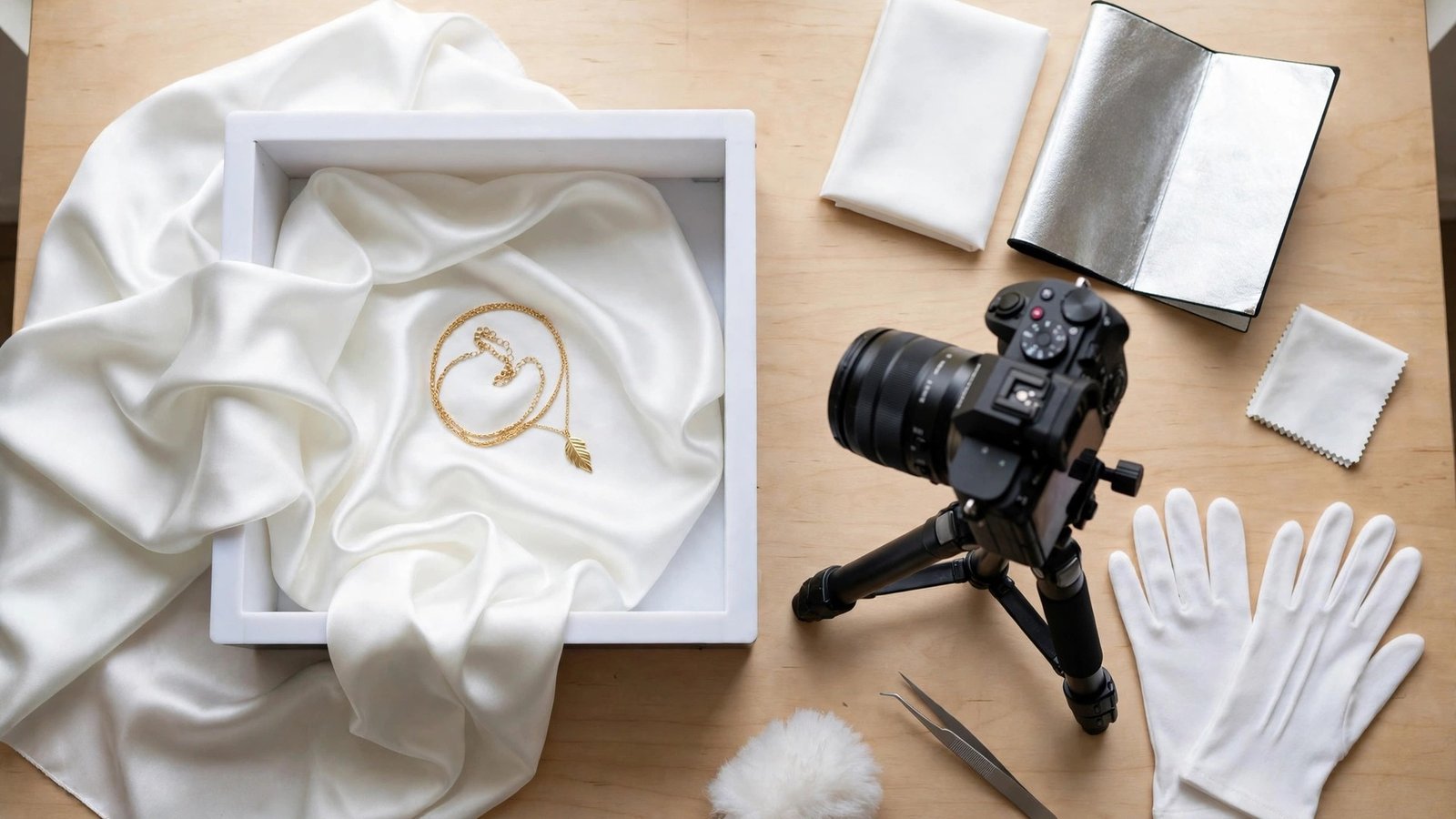
The first mistake is shooting on a busy background, because a necklace on a patterned cloth or a cluttered desk fights the jewelry for attention and loses. A plain white or soft grey surface, a simple lightbox, and a clean backdrop let the piece do the talking, and the photo looks like it came from a shop rather than a kitchen table. Keep the background empty, the light even, and the focus on the metal and the stones, because a buyer who cannot see the detail will not trust the price.
The second mistake is harsh direct light, because a strong flash or a bare bulb throws hard shadows and white spots across the metal. The stones look dull, the gold looks orange, and the photo looks like it was taken in a hurry. Use soft window light or a small diffused lamp, place a white card on the shadow side to bounce light back, and take the photo at the brightest part of the day, because a piece that glows in the photo is a piece that sells.
The third mistake is skipping the scale shot, because a ring photographed alone could be the size of a bracelet and a pendant could be as small as a button. A buyer who cannot tell the size will guess, and a wrong guess becomes a return. Photograph the piece next to a coin, on a hand, or beside a ruler, and include that shot in every listing, because a buyer who knows the size before they pay is a buyer who keeps what arrives.
The fourth mistake is editing too hard, because heavy filters change the colour of the gold and the stones, and the buyer receives a piece that looks nothing like the photo. Keep the edit light, match the colour to the real piece, and check the photo on a phone screen, because most buyers shop on their phones and the photo must look right there.
Frequently Asked Questions
The best product photography tools for jewelry sellers raise the same questions from every seller, so here are the straight answers before you choose.
Can I photograph jewellery well with just a phone?
Yes, and most sellers on this list do exactly that. A modern phone, a white lightbox or a daylight window, and a steady surface are enough for marketplace listings. The tool matters more than the camera, because background removal and colour correction fix the problems a phone cannot. Spend the money on a small lightbox and a tripod before spending it on a camera.
Why does my gold look orange in photos?
Gold turns orange when the white balance is wrong or the light is too warm. A tungsten bulb, a yellow wall, or a warm preset can all shift the colour. Fix the white balance first, shoot in daylight or a neutral LED, and check the result against the real piece. Lightroom, Snapseed, and Capture One all have the colour tools to correct it, and a grey card in the first shot of a session makes the correction exact.
What background works best for jewellery listings?
A clean white or very light grey background works best for marketplaces, because it keeps the focus on the piece and meets most platform rules. A soft lifestyle background, such as linen or marble, suits a brand feed or a social post. Whatever you choose, keep it the same across the shop, because a consistent background is what makes a catalogue look professional.
Do I need a lightbox for jewellery photos?
A lightbox helps more than almost any other purchase, because it softens the light, removes harsh reflections, and gives every photo the same clean background. A small folding lightbox costs less than a month of most editing subscriptions and improves every photo taken inside it. If the budget is tight, a white sheet over a window and a piece of white card as a reflector will get you most of the way there.
How many photos should each listing have?
Five is a good minimum, which is the front, the side, the clasp or back, a close-up of the stone or setting, and a scale shot showing the size. More is better when the piece is expensive, because buyers of high-value jewellery want to see every detail before they commit. A listing with one photo asks the buyer to trust you, while a listing with six answers the questions before they are asked.
Shoot It Clean, Edit It Honest, List It Proud
The best product photography tools for jewelry sellers share one trait, which is that they make the piece look like itself, only clearer. Lightroom leads this list because it keeps colour true, handles a whole catalogue in one evening, and turns a good shoot into a consistent shop. The right choice for your pieces is the one that passes the test on your hardest chain, not the one with the most filters.
Start with your hardest piece, run it through three tools, and let the result decide. A tool that makes gold look gold and a clasp look sharp will make every other piece in the tray look better too.
Photograph honestly, edit lightly, and show the details a buyer would check in person. Do that on every listing, and the photos stop being a chore and start being the reason the piece sells.