

A resume tells a recruiter what a job seeker has done, and a personal website shows it, because a portfolio, a blog and a case study prove more than a bullet point, and the recruiter who clicks through will learn more in a minute than a resume can say in a page. The best personal website builders for job seekers build that proof in an afternoon, without code.
Thirteen tools made this list, and they split into three kinds. Full builders like Wix, Squarespace, WordPress.com and Webflow build a complete site with many pages. One-page tools like Carrd, About.me and Strikingly build a single page that a recruiter can read in thirty seconds. Free and simple tools like Google Sites, Jimdo and Weebly build a site at no cost or with AI help. The prices below were checked against vendor pages and November 2026 roundups, and where a price was not published the draft says so rather than guessing.
In this article
- A Website Proves What a Resume Only Claims
- How the Best Personal Website Builders for Job Seekers Were Compared
- Thirteen Builders, One Site Each
- Personal Website Builders Compared in One Table
- The Portfolio Is the Point
- One Page Can Be Enough
- Best Pick by Job
- A Custom Domain Looks Professional
- Free Sites Work When the Budget Is Zero
- The Personal Site Verdict
- Questions About Personal Website Builders
- Before You Publish Your Personal Site
A Website Proves What a Resume Only Claims
The best personal website builders for job seekers start with the proof, because a portfolio that shows the work will convince a recruiter faster than a bullet that claims it. A designer who shows the designs, a writer who shows the articles, and a developer who shows the code will all be believed, because the work is the evidence, and the site is where the evidence lives.
The second job is the link, because a personal site is only useful when the recruiter can find it, and the link belongs on the resume, in the email signature, and on the LinkedIn profile. A job seeker who puts the link everywhere will be found, while one who hides it will not, and the tools in this list all produce a link that can go anywhere.
The proof test is the project, because a portfolio with three strong projects will convince a recruiter, while one with ten weak ones will not. A job seeker should show the best work first, because the recruiter will see the first project and decide whether to look at the rest.
How the Best Personal Website Builders for Job Seekers Were Compared
Each tool in this guide was judged on five things that decide whether a personal site gets built. Ease is first, because a site that needs a developer will not get built by a job seeker. Templates are second, because a good template saves hours. Price is third, measured as the cost of a year of steady use. Custom domain is fourth, because a site on a free subdomain looks unprofessional on a job application. Control is fifth, because a site that cannot be customised will look like every other site.
The tools in this guide all build real personal sites, and every tool here has a free plan or a free trial except the ones that say otherwise. The comparison below names the limit of each tool plainly, because a tool bought for the wrong half of the job wastes more than its subscription. It wastes the applications it was bought to win.
The domain test is the address bar, because a recruiter who sees a free subdomain will think the job seeker did not invest in the site, while one who sees a clean domain will think they did. A job seeker should buy the domain, because the cost is small and the impression is large.
Thirteen Builders, One Site Each
1. Wix
Best for Easiest builder for a portfolio site. Price See website. Free plan Free plan.
Wix is the easiest builder in this list for a portfolio site, with a drag-and-drop editor, hundreds of templates, and an AI builder that creates a first draft from a few answers. It suits a job seeker who wants a personal site without code, because the templates cover portfolios, resumes and case studies, and the result can be live in an afternoon.
Pricing is shown on the vendor page, with a free plan that shows Wix branding and paid plans that remove it and add a custom domain. The trade is ownership, because a Wix site lives on Wix, and a job seeker who wants full control will find Webflow or WordPress.com better.
Pick it when the site must be live fast and look good, because the ease is the point. Skip it when the site needs full control, because Webflow does that better.
Watch out. The free plan shows Wix branding, which looks unprofessional on a job application, so use a paid plan for the live site.
2. Squarespace
Best for Polished templates for a professional look. Price See website. Free plan Free trial.
Squarespace is the polished builder in this list, with templates that look designed by a studio, which suits a job seeker who wants a personal site that looks expensive. The templates are clean, the editor is simple, and the result is a site that a recruiter will remember, because the design is the first thing they see.
Pricing is shown on the vendor page, with a free trial to test the templates before paying. The trade is flexibility, because Squarespace is a closed platform, and a job seeker who wants to add custom code will find Webflow better.
Pick it when the site must look polished without effort, because the templates are the point. Skip it when the site needs custom code, because Webflow does that better.
Watch out. The closed platform means the site cannot be moved elsewhere, so commit to Squarespace before building.
3. WordPress.com
Best for Blogging plus a portfolio in one. Price See website. Free plan Free plan.
WordPress.com pairs blogging with a portfolio, which suits a job seeker who writes as well as works, because the site can host the portfolio and the articles that show expertise. A recruiter who reads the articles will learn more than one who only sees the resume, and the blog is what makes the site a proof of work.
Pricing is shown on the vendor page, with a free plan that shows WordPress branding and paid plans that remove it and add a custom domain. The trade is simplicity, because WordPress.com is simpler than self-hosted WordPress, and a job seeker who wants plugins will find the self-hosted version better.
Pick it when the site must host a blog as well as a portfolio, because the writing is the point. Skip it when the site needs custom plugins, because the self-hosted version does that better.
Watch out. The free plan shows WordPress branding, which looks unprofessional on a job application, so use a paid plan for the live site.
4. Webflow
Best for Full design control without code. Price See website. Free plan Free plan.
Webflow offers full design control without code, which suits a job seeker who wants a site that looks custom-built. The editor is visual, the templates are modern, and the result can look like a site built by a developer, because the control is deep enough to build almost anything.
Pricing is shown on the vendor page, with a free plan for a starter site and paid plans for a custom domain and more. The trade is learning, because Webflow has a steeper curve than Wix, and a job seeker who wants the site live today will find Wix faster.
Pick it when the site must look custom and the job seeker has time to learn, because the control is the point. Skip it when the site must be live today, because Wix is faster.
Watch out. The learning curve is real, so budget a weekend to learn the editor.
5. Design.com
Best for Logo and site builder for a personal brand. Price See website. Free plan Free plan.
Design.com offers a logo maker and a site builder that a job seeker can use to build a personal brand, with templates that cover a portfolio and a resume page. The logo and the site can be built in one place, which saves the job seeker from designing a brand from scratch, and the result is a consistent look across the site and the resume.
Pricing is shown on the vendor page, with a free plan for a limited number of designs and paid plans for more. The trade is depth, because Design.com is a brand builder rather than a full website platform, and a job seeker who needs a complex site will find Wix or Webflow better.
Pick it when the personal brand needs a logo and a site together, because the combination is the point. Skip it when the site needs deep customisation, because Webflow does that better.
Watch out. The brand builder is a starting point, so review the logo before using it on a job application.
6. Carrd
Best for One-page sites for under ten dollars a year. Price Pro $9 a year. Free plan Free plan.
Carrd builds one-page sites for under ten dollars a year, which suits a job seeker who needs a simple landing page with a photo, a bio, links and a contact form. The editor is minimal, the sites load fast, and the Pro plan at $9 a year is the cheapest paid plan in this list, which makes it the best value for a simple site.
Pro costs $9 a year, with a free plan for up to three sites. The trade is scope, because Carrd builds one page rather than a full site, and a job seeker who needs a blog or a portfolio with many pages will find Wix better.
Pick it when the site is one page and the budget is tiny, because the price is the point. Skip it when the site needs many pages, because Wix does that better.
Watch out. The one-page limit is the whole product, so do not expect a blog.
7. About.me
Best for Simple profile page with links. Price See website. Free plan Free plan.
About.me builds a simple profile page with a photo, a bio and links, which suits a job seeker who wants a single page that a recruiter can read in thirty seconds. The page is clean, the setup takes minutes, and the result is a link that can go on a resume, in an email signature, or on a business card.
Pricing is shown on the vendor page, with a free plan for the basic page and paid plans for a custom domain and more. The trade is depth, because About.me is a profile page rather than a full site, and a job seeker who needs a portfolio will find Wix better.
Pick it when the site is a single profile page, because the simplicity is the point. Skip it when the site needs a portfolio, because Wix does that better.
Watch out. The profile page is public, so keep the bio professional.
8. Framer
Best for Modern sites with motion and polish. Price See website. Free plan Free plan.
Framer builds modern sites with motion and polish, which suits a job seeker in design or tech who wants a site that shows taste. The templates are modern, the editor is visual, and the animations make the site feel alive, which is the impression a creative recruiter will remember.
Pricing is shown on the vendor page, with a free plan for a starter site and paid plans for a custom domain and more. The trade is learning, because Framer has a curve, and a job seeker who wants the site live today will find Wix faster.
Pick it when the site must show design taste, because the polish is the point. Skip it when the site must be live today, because Wix is faster.
Watch out. The animations can slow the site, so keep them subtle.
9. Weebly
Best for Simple builder with a store option. Price See website. Free plan Free plan.
Weebly is the simple builder in this list, with a drag-and-drop editor, clean templates, and a store option for a job seeker who sells work. It suits someone who wants a personal site without learning a complex tool, because the editor is straightforward and the result is a site that looks professional.
Pricing is shown on the vendor page, with a free plan for a basic site and paid plans for a custom domain and more. The trade is depth, because Weebly is simpler than Wix or Webflow, and a job seeker who needs deep customisation will find Webflow better.
Pick it when the site must be simple and reliable, because the ease is the point. Skip it when the site needs deep customisation, because Webflow does that better.
Watch out. The simple builder is the limit, so a complex site will need a fuller tool.
10. Jimdo
Best for AI-assisted sites for a quick start. Price See website. Free plan Free plan.
Jimdo builds sites with AI assistance, asking a few questions and producing a first draft that the job seeker can edit. It suits someone who wants a site live fast without designing it, because the AI does the first pass and the editor does the rest, and the result can be live in an afternoon.
Pricing is shown on the vendor page, with a free plan for a basic site and paid plans for a custom domain and more. The trade is control, because the AI draft is a starting point, and a job seeker who wants a custom look will find Webflow better.
Pick it when the site must be live fast and the design can be simple, because the speed is the point. Skip it when the site must look custom, because Webflow does that better.
Watch out. The AI draft needs editing, because the first pass will not match the job seeker exactly.
11. Strikingly
Best for One-page sites with a mobile focus. Price See website. Free plan Free plan.
Strikingly builds one-page sites with a mobile focus, which suits a job seeker whose recruiter will open the site on a phone. The templates are mobile-first, the editor is simple, and the result is a site that looks good on a small screen, which is where most recruiters will see it.
Pricing is shown on the vendor page, with a free plan for a basic site and paid plans for a custom domain and more. The trade is scope, because Strikingly builds one page rather than a full site, and a job seeker who needs many pages will find Wix better.
Pick it when the site is one page and the recruiter will read it on a phone, because the mobile focus is the point. Skip it when the site needs many pages, because Wix does that better.
Watch out. The one-page limit is the whole product, so do not expect a blog.
12. GoDaddy
Best for Builder plus domain in one purchase. Price See website. Free plan Free trial.
GoDaddy pairs a site builder with a domain in one purchase, which suits a job seeker who wants the domain and the site from the same place. The builder is simple, the templates are clean, and the domain can be bought and connected in the same checkout, which saves the job seeker from managing two accounts.
Pricing is shown on the vendor page, with a free trial to test the builder before paying. The trade is depth, because GoDaddy is a domain company with a builder, and a job seeker who needs deep design control will find Webflow better.
Pick it when the domain and the site must come together, because the combination is the point. Skip it when the site needs deep customisation, because Webflow does that better.
Watch out. The builder is a starting point, so check whether the template fits the portfolio before building.
13. Google Sites
Best for Free, simple sites on a Google account. Price Free. Free plan Free, Google account.
Google Sites builds free, simple sites on a Google account, which suits a job seeker who wants a site at no cost and already uses Google. The editor is minimal, the sites load fast, and the result is a clean page with a portfolio, a resume and links, which is enough for a job application.
It costs nothing, because Google Sites is free with a Google account, which makes it the cheapest route to a personal site. The trade is design, because Google Sites is plain, and a job seeker who wants a polished look will find Squarespace better.
Pick it when the budget is zero and the site must be simple, because the price is the point. Skip it when the site must look polished, because Squarespace does that better.
Watch out. The plain design is the limit, so a creative role will need a fuller tool.
Personal Website Builders Compared in One Table
This table compares the best personal website builders for job seekers on the facts that decide a purchase. Prices are in US dollars and change by country and promotion, so check the vendor page before you buy.
| Tool | Price | Free plan | Best for |
|---|---|---|---|
| Wix | See website | Free plan | Easiest builder for a portfolio site |
| Squarespace | See website | Free trial | Polished templates for a professional look |
| WordPress.com | See website | Free plan | Blogging plus a portfolio in one |
| Webflow | See website | Free plan | Full design control without code |
| Design.com | See website | Free plan | Logo and site builder for a personal brand |
| Carrd | Pro $9 a year | Free plan | One-page sites for under ten dollars a year |
| About.me | See website | Free plan | Simple profile page with links |
| Framer | See website | Free plan | Modern sites with motion and polish |
| Weebly | See website | Free plan | Simple builder with a store option |
| Jimdo | See website | Free plan | AI-assisted sites for a quick start |
| Strikingly | See website | Free plan | One-page sites with a mobile focus |
| GoDaddy | See website | Free trial | Builder plus domain in one purchase |
| Google Sites | Free | Free, Google account | Free, simple sites on a Google account |
The Portfolio Is the Point
A portfolio is the point of a personal site, because a recruiter who sees the work will believe the resume, and the best personal website builders for job seekers for portfolios are the ones with templates built for showing work. Wix offers hundreds of portfolio templates, Squarespace offers polished ones, and the job seeker who fills the template with real work will have a site that proves the resume.
The test is the work, because a portfolio with three strong projects will convince a recruiter, while one with ten weak ones will not. A job seeker should show the best work first, because the recruiter will see the first project and decide whether to look at the rest.
The case study test is the story, because a portfolio that tells the story of each project will convince a recruiter, while one that only shows images will not. A job seeker should write a short case study for each project, because the story is what the recruiter remembers.
One Page Can Be Enough
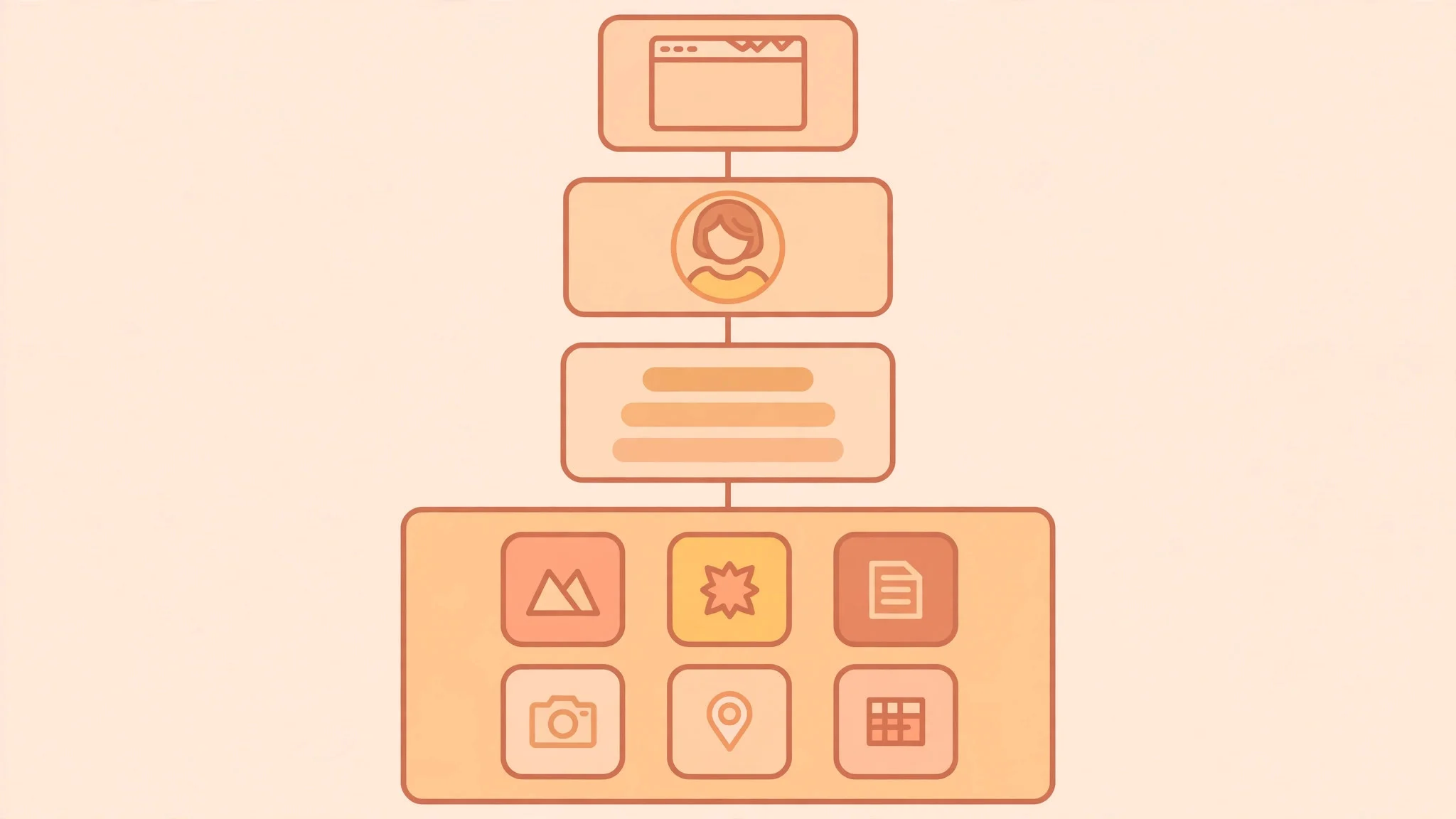
The best personal website builders for job seekers for a one-page site are the ones that make a single page feel complete, because a recruiter will read a one-page site in thirty seconds, and the page must hold everything that matters. Carrd builds one-page sites for $9 a year, About.me builds a profile page with links, and Strikingly builds mobile-first one-page sites, and each one suits a job seeker who needs a link rather than a full site.
The trap is the empty page, because a one-page site with only a name and a photo will tell the recruiter nothing, while one with a bio, links, a portfolio and a contact form will tell them everything. A job seeker should fill the page, because the page is the whole application.
The link test is the resume, because a personal site is only useful when the recruiter can find it, and the link belongs on the resume. A job seeker who puts the link everywhere will be found, while one who hides it will not.

Best Pick by Job
Different situations need different tools, so the best pick changes with the job. This table matches the common situations to the tool that handles each one best. The best personal website builders for job seekers in this guide cover all of these jobs between them.
| Job | Pick | Why |
|---|---|---|
| Site must be live fast, look good | Wix | Free plan, drag-and-drop editor, portfolio templates |
| Site must look polished | Squarespace | Free trial, studio-quality templates |
| One page, tiny budget | Carrd | Pro $9 a year, one-page sites, fast loading |
| Site must host a blog too | WordPress.com | Free plan, blogging plus portfolio |
| Site must look custom | Webflow | Free plan, full design control without code |
| Budget is zero | Google Sites | Free, simple sites on a Google account |
A Custom Domain Looks Professional
The best personal website builders for job seekers for a custom domain are the ones that make it easy, because a site on a free subdomain looks unprofessional on a job application, while a site on a name the job seeker owns looks like a professional. Wix, Squarespace and WordPress.com all offer a custom domain on paid plans, and the job seeker who pays for the domain will be taken more seriously.
The test is the address bar, because a recruiter who sees a free subdomain will think the job seeker did not invest in the site, while one who sees a clean domain will think they did. A job seeker should buy the domain, because the cost is small and the impression is large.
Free Sites Work When the Budget Is Zero
A job seeker on a budget does not need to pay, because Google Sites builds a free site on a Google account, Carrd offers a free plan for up to three sites, and the result is a clean page with a portfolio, a resume and links. The paid plans add a custom domain and more features, but the free ones cover the core, and for a first site the free builder is enough.
The Personal Site Verdict
Start with Wix when the site must be live fast and look good, because the ease is the point. Start with Squarespace when the site must look polished without effort, because the templates are the point. Start with Carrd when the site is one page and the budget is tiny, because the price is the point, and start with WordPress.com when the site must host a blog as well as a portfolio. The best personal website builders for job seekers in this guide all do the core job, and the difference between them is which second job they do well, so name the second job first and the tool follows.
Questions About Personal Website Builders
Which personal website builder is best for job seekers?
Wix is the best for ease, with a drag-and-drop editor and hundreds of portfolio templates, while Squarespace is the best for a polished look, with templates that look designed by a studio. A job seeker who needs one page and a tiny budget should start with Carrd instead.
How much does Carrd cost?
Carrd Pro costs $9 a year, with a free plan for up to three sites, which makes it the cheapest paid plan in this list. The trade is scope, because Carrd builds one page rather than a full site, so a job seeker who needs many pages should use Wix instead.
Do I need a custom domain for my personal site?
Yes, because a site on a free subdomain looks unprofessional on a job application, while a site on a name the job seeker owns looks like a professional. Wix, Squarespace and WordPress.com all offer a custom domain on paid plans, and the cost is small while the impression is large.
Should my personal site have a blog?
A blog helps when the job seeker writes, because a recruiter who reads the articles will learn more than one who only sees the resume. WordPress.com pairs blogging with a portfolio, which suits a writer, while a designer who shows work will find Wix or Squarespace better.
Is there a free personal website builder?
Yes, because Google Sites builds a free site on a Google account, and Carrd offers a free plan for up to three sites. The paid plans add a custom domain and more features, but the free ones cover the core, and for a first site the free builder is enough.
Before You Publish Your Personal Site
Pick the builder that matches the need, fill the portfolio with the best work, buy the custom domain, and put the link on the resume, in the email signature and on LinkedIn, because the four steps are the workflow that produces a site that gets read. Update the site when the work changes, because a stale site will hurt more than no site. The best personal website builders for job seekers in this guide all reward a job seeker who keeps the site fresh, and the freshness is what keeps it working.