


A freelancer is a whole business in one person, and the admin is what eats the week. Proposals, contracts, invoices, time tracking, scheduling and the portfolio all compete with the work that actually pays, and the paperwork usually wins. The best ai tools for freelancers are the ones that shrink the admin to an hour, because an hour saved on paperwork is an hour billed to a client.
Nine tools made the list, and they split into three kinds. All-in-one suites cover proposals, contracts and invoices. Invoicing tools cover the money. Workspace tools hold the projects, the time and the meetings. The prices below were checked against vendor pages and November 2026 roundups, and where sources disagreed the draft says so rather than picking the friendlier number.
In this article
- The Admin Hour Decides the Rate
- How the Best AI Tools for Freelancers Were Compared
- The 9 Tools in Detail
- Fees That Hide Behind the Price
- The 9 Tools at a Glance
- Start Free, Then Buy the Bottleneck
- Best Pick by Job
- A Simple First Month in Business
- The Free Stack That Runs a Business
- Frequently Asked Questions
- The Bottom Line
The Admin Hour Decides the Rate
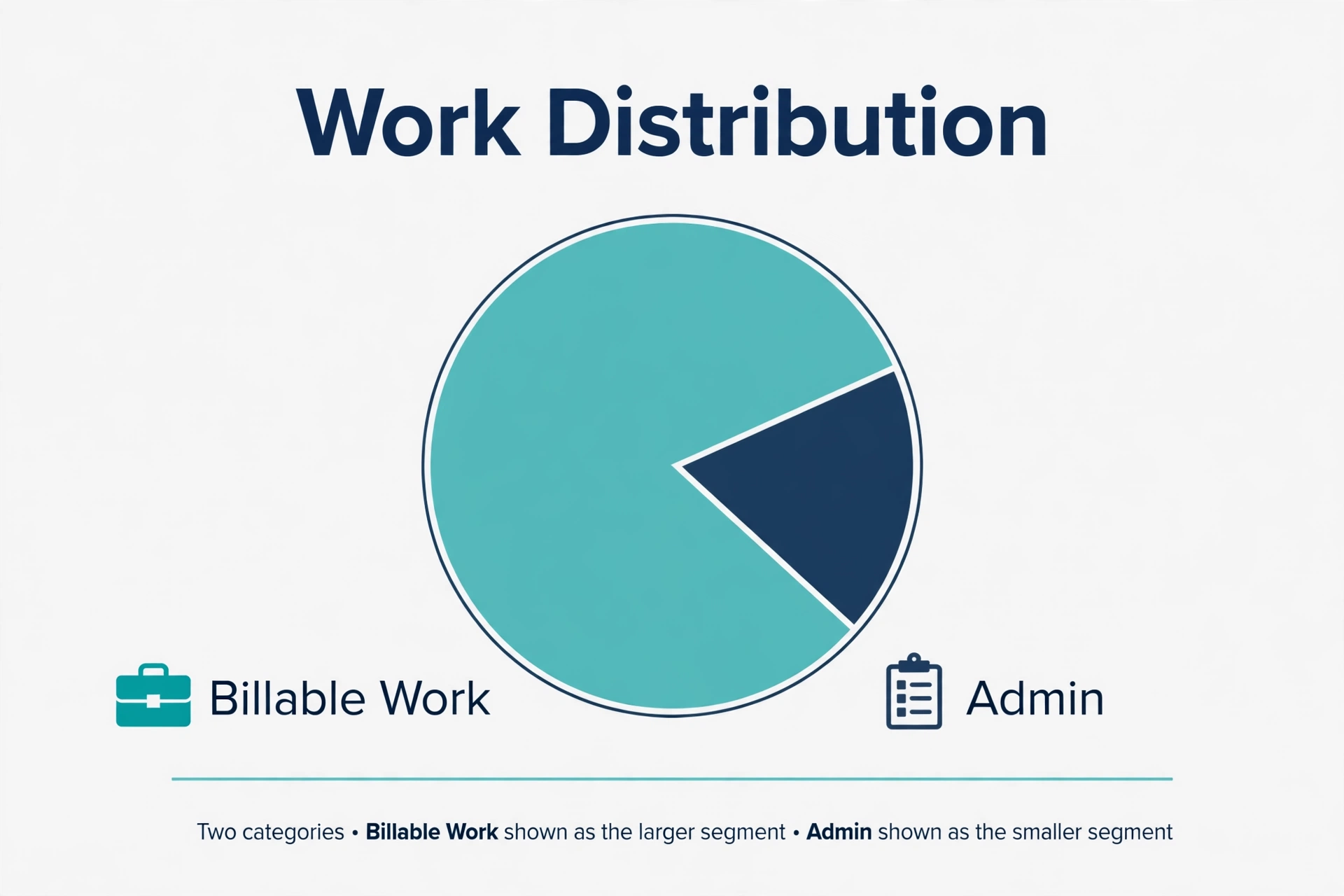
A freelancer who spends ten hours a week on admin and bills thirty has an effective rate a third lower than the headline number, and most freelancers never do that maths. The tools in this list exist to change the ratio, by turning a proposal into a template, an invoice into a click, and a meeting into a link.
The best ai tools for freelancers earn their price in recovered hours. Bonsai turns a proposal into a signed contract and an invoice in one flow. Wave sends the invoice for nothing. Toggl Track proves where the hours went. The subscription that saves five hours a month pays for itself at any reasonable rate.
The effective rate is the number that matters, because a freelancer who bills thirty hours and spends ten on admin earns a third less than the headline rate. The tools that shrink the admin raise the effective rate without raising the price, which is the cheapest raise available.
The free stack is the right starting point, because it costs nothing and covers the whole business, and the paid tiers add capacity rather than core features. A freelancer who buys the suite before the bottleneck appears is paying for capacity that sits unused.
The scope is the price, because a project with a vague brief will grow until it eats the fee. Write the deliverables before the estimate, agree them with the client, and the invoice will match the work, because the work was defined before it began.
How the Best AI Tools for Freelancers Were Compared
Each of the best ai tools for freelancers was judged on five things that decide whether a solo business actually uses it. Time saved is first, because a tool that adds admin is worse than no tool. Price is second, measured as the cost of one month and as the cost of a year, because a freelancer pays from their own pocket. Payment fees are third, because a subscription plus a percentage cut costs more than the plan price. Ease is fourth, because a solo worker has no IT department. Breadth is fifth, because one tool that covers three jobs beats three subscriptions.
The tools in this guide all work for a team of one, and every tool here has a free plan or a free trial except the ones that say otherwise. The comparison below names the limit of each tool plainly, because a tool bought for the wrong job wastes more than its subscription. It wastes the hour it was bought to save.
The prices in this guide were checked in November 2026, and promotional discounts are common in this category, so the checkout price may be lower than the list price. FreshBooks runs 80 percent off offers, and Bonsai and HoneyBook both discount the first year, so check the current offer before budgeting.
The comparison behind this guide weighted time saved first, because a tool that adds admin is worse than no tool, and payment fees second, because a subscription plus a percentage cut costs more than the plan price suggests.
The comparison behind this guide tested the free plan first, because a freelancer starting out should not pay before the business earns, and the paid tier second, because the bottleneck decides the purchase. A tool that earns its subscription on the first invoice is the tool to keep.
The 9 Tools in Detail
1. Bonsai
Best for Proposals, contracts and invoices in one flow. Price Essentials $19 a month on annual billing. Free plan 7-day free trial, no free plan.
Bonsai covers the whole client workflow in one account, from proposal to contract to invoice to payment, with time tracking and tax tools alongside. A freelancer sends a proposal, the client signs, the work is tracked, and the invoice goes out, without exporting anything between apps. That single flow is the product, because the admin is what eats a freelancer’s week.
Essentials is $19 a month billed yearly, or $25 monthly, per user, and it is the cheapest plan that includes invoices. The Basic plan is cheaper but leaves invoices out, which makes it a false economy. Premium is $39 a month, or $29 yearly. The per-user pricing matters, because a two-person studio pays double.
Buy it when proposals, contracts and invoices should live in one flow, because the handoff between apps is where admin time disappears. Skip it when the job is invoicing alone, because Wave does that for nothing.
Watch out. The Basic plan does not include invoices, so Essentials is the real entry point.
2. HoneyBook
Best for Client workflow for creatives. Price Starter $29 a month on annual billing. Free plan Free trial, no free plan.
HoneyBook is built for service businesses that book, sign and get paid in one place, photographers, coaches, planners and designers. Its Smart Files combine the proposal, the contract and the invoice into one document a client signs and pays in, with lead forms, scheduling and automations around it. The client-facing polish is the feature, because a creative business sells the experience as well as the work.
Starter is $29 a month billed yearly, with Essentials at $49 and Premium at $109 a month billed yearly. Monthly billing costs more. The bank-transfer fee of 1.5 percent is the highest in this list, and card payments add 2.9 percent plus 25 cents, so the payment fees deserve a line in the budget.
Buy it when the client journey matters as much as the invoice, because the combined Smart File is genuinely better than three separate documents. Skip it when the work is hourly billing with simple invoices, because FreshBooks or Wave does that for less.
Watch out. The payment fees stack on top of the subscription, so a $1,000 invoice costs more than the plan price suggests.
3. FreshBooks
Best for Invoicing plus real accounting. Price Lite $23 a month. Free plan 30-day free trial, no free plan.
FreshBooks is the friendly paid all-rounder, with invoicing, expenses, estimates, time tracking and tax-time reports in an interface a non-accountant can use. Lite covers invoices to five clients, which suits a freelancer with a small roster, and the reports are good enough that the accountant stops asking questions. The 30-day trial needs no card, which makes it easy to test on real invoices.
Lite is $23 a month, Plus is $43 for 50 clients, and Premium is $70 for unlimited clients. Card payments cost 2.9 percent plus 30 cents, and bank transfers cost 1 percent. Team members are $11 a user extra. Promotional discounts are common, so the checkout price may be lower than the list price.
Buy it when the business needs invoicing plus real accounting reports, because the books stay clean without an accountant. Skip it when the budget is zero, because Wave covers invoicing for nothing.
Watch out. Lite covers only five billable clients, so a sixth client forces the jump to Plus.
4. Wave
Best for Free invoicing and bookkeeping. Price Starter $0 a month. Free plan Free plan, unlimited invoices.
Wave is the genuinely free option, with unlimited invoices, estimates and basic bookkeeping at $0 a month. A freelancer starting out can send professional invoices, track expenses and keep the books straight without a subscription, and only pays when a client pays online. That zero entry price is why so many freelancers start here and stay here.
Starter is $0, and Pro is $19 a month, or $190 a year, adding automatic bank-transaction import, automatic late-payment reminders and discounted payment processing. Card payments cost 2.9 percent plus 60 cents, and bank payments cost 1 percent with a $1 minimum. Receipt scanning is $11 a month, or $8 annually.
Buy it when the budget is zero and the job is invoicing plus basic books, because nothing else here is free at this depth. Skip it when the work needs proposals and contracts, because Wave does not do them.
Watch out. The free plan charges 60 cents per card transaction, so the fees add up on many small invoices.
5. Notion
Best for Notes, projects and client pages in one place. Price Plus $10 a month. Free plan Free plan.
Notion is the workspace freelancers build their business around, with notes, project tracking, client pages and a content calendar in one flexible app. It does not invoice and it does not track time natively, which is the honest limit, but it holds everything else, and the templates for freelance work are good enough that many solo workers never buy a second tool.
Plus is $10 a month, with a free plan that covers the basics for one person. The trade-off is that invoicing and time tracking need integrations or companion apps, so the real cost is Notion plus a sender like Wave, which together still cost less than most all-in-one tools.
Buy it when the business needs one flexible workspace for notes, projects and clients, because the templates adapt to any workflow. Skip it when invoicing must live in the same app, because Notion does not do it.
Watch out. Notion has no native invoicing or time tracking in 2026, so budget for a companion tool.
6. Toggl Track
Best for Time tracking that stays simple. Price Starter $9 a month. Free plan Free plan for solo tracking.
Toggl Track does one job, time tracking, and does it with the least friction in this list. Start the timer, stop it, and the hours are logged against a client and a project, with reports that turn into invoices. A freelancer who bills by the hour needs that record to be effortless, because a timer that takes three clicks will not get used.
Starter is $9 a month, with a free plan that covers solo time tracking. The trade-off is scope, because Toggl tracks time and nothing else, so invoicing needs another tool. The reports are the feature, because they show exactly where the week went, which is the data a freelancer needs to raise rates.
Buy it when hourly billing needs a clean time record, because the timer is the fastest here. Skip it when the work is fixed-price, because time tracking adds admin without adding revenue.
Watch out. Time tracking only helps if it happens daily, so build the habit before judging the tool.
7. Calendly
Best for Scheduling without the email thread. Price Standard $12 a month. Free plan Free plan.
Calendly ends the scheduling email thread. A freelancer shares a link, the client picks a slot, and the meeting appears on both calendars with a video link attached. That sounds small until you count the emails it replaces, because every back-and-forth about a time is admin that earns nothing.
Standard is $12 a month, with a free plan that covers one event type. Higher tiers add more event types, team scheduling and integrations. The trade-off is that Calendly schedules and nothing else, so it pairs with an invoicing tool rather than replacing one.
Buy it when client meetings need scheduling without the email thread, because the link replaces a dozen messages. Skip it when the work rarely needs meetings, because the free plan or no tool at all will do.
Watch out. The free plan covers one event type, so a freelancer with several meeting kinds will need Standard.
8. Upwork
Best for Finding clients, not managing them. Price Free to join. Free plan Free plan, service fees on earnings.
Upwork is the marketplace where freelancers find clients, and it belongs in this list for that reason alone. A freelancer starting out can bid on jobs, build a profile and a review history, and get paid through the platform, without a website or a network. The jobs are the product, and the management tools are secondary.
Joining is free, and Upwork takes a service fee from earnings, which is the real cost. The fee structure has changed over the years, so check the current rate before budgeting. The trade-off is dependence, because a freelancer who lives on Upwork owns neither the client relationship nor the pipeline.
Buy into it when the pipeline is empty, because the marketplace is the fastest way to find paid work. Skip it as a management tool, because Upwork finds clients rather than managing them.
Watch out. The service fee comes off every payment, so price the work with the fee in mind.
9. Contra
Best for Portfolio plus invoicing for independents. Price Pro from $9 a month. Free plan Free plan.
Contra combines a portfolio with invoicing, so a freelancer can show the work and bill for it from the same profile. Clients discover the portfolio, hire through it, and pay through it, which suits independent workers who win work on the strength of past projects rather than on bids.
Pro starts from $9 a month, with a free plan that covers the portfolio and basic invoicing. The trade-off is maturity, because Contra is younger and smaller than the tools above, and the feature set is thinner. The portfolio-first design is the feature, because it turns the profile into a sales page.
Buy it when the portfolio wins the work, because the profile and the invoicing live together. Skip it when the business needs deep accounting or contracts, because the bigger tools do those better.
Watch out. Check the current Pro price at checkout, because the young pricing has moved before.
Fees That Hide Behind the Price
The best ai tools for freelancers all quote a monthly price, and the monthly price hides the payment fees. HoneyBook charges 2.9 percent plus 25 cents per card transaction on top of the subscription, and the bank-transfer fee of 1.5 percent is the highest in this list. A $1,000 invoice costs more than the plan price suggests, so add the fees to the budget before comparing.
The second hidden cost is the per-user price. Bonsai charges per user, so a two-person studio pays double, while FreshBooks and HoneyBook price per business on their entry tiers. Count the seats before the subscription, because the per-user model changes the maths for a team.
The third hidden cost is the client limit. FreshBooks Lite covers five billable clients, and a sixth client forces the jump to Plus at $43 a month. Wave covers unlimited clients for nothing, which is why the free tool wins on price for a growing roster.
The fourth hidden cost is the plan that does not include the feature. Bonsai Basic is cheaper but leaves invoices out, which makes it a false economy, because the freelancer who buys Basic must upgrade to Essentials to send an invoice. The cheapest plan that does the job is the real entry point.
The fee is the easy part, because the invoice tells the client the price and the subscription tells the freelancer the cost. The real cost is the hour lost to admin, and the tool that gives the hour back is the one that pays for itself, because the hour is the only thing a freelancer cannot buy more of.
The 9 Tools at a Glance
The table below lines up the nine tools by entry price and free access, so the shortlist takes a minute to build.
| Tool | Price | Free plan | Best for |
|---|---|---|---|
| Bonsai | Essentials $19 a month on annual billing | 7-day free trial, no free plan | Proposals, contracts and invoices in one flow |
| HoneyBook | Starter $29 a month on annual billing | Free trial, no free plan | Client workflow for creatives |
| FreshBooks | Lite $23 a month | 30-day free trial, no free plan | Invoicing plus real accounting |
| Wave | Starter $0 a month | Free plan, unlimited invoices | Free invoicing and bookkeeping |
| Notion | Plus $10 a month | Free plan | Notes, projects and client pages in one place |
| Toggl Track | Starter $9 a month | Free plan for solo tracking | Time tracking that stays simple |
| Calendly | Standard $12 a month | Free plan | Scheduling without the email thread |
| Upwork | Free to join | Free plan, service fees on earnings | Finding clients, not managing them |
| Contra | Pro from $9 a month | Free plan | Portfolio plus invoicing for independents |
Read the price column against the payment fees, because a subscription plus a percentage cut costs more than the plan price suggests.
Start Free, Then Buy the Bottleneck
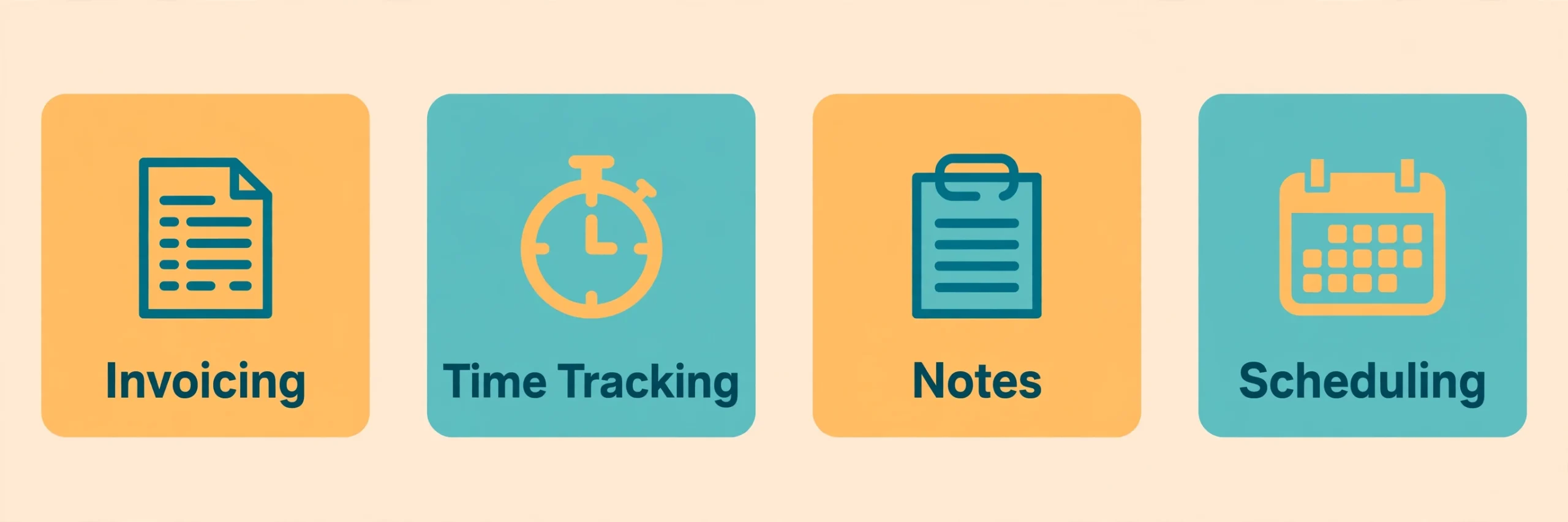
A new freelancer should start free and buy only the bottleneck. Wave invoices for nothing, Toggl Track times for nothing, Notion organises for nothing, and Calendly schedules for nothing. The free stack covers the whole business, and the paid tiers add capacity rather than core features.
The practical rule is simple. Buy Bonsai when the proposals and contracts become the bottleneck. Buy FreshBooks when the books need real accounting. Buy HoneyBook when the client journey needs polish. A freelancer who buys the suite before the bottleneck appears is paying for capacity that sits unused.
The portfolio deserves a line in the stack, because Contra turns the profile into a sales page that also bills. A freelancer who wins work on past projects should let the portfolio do the selling, and the invoicing ride along with it.
Best Pick by Job
The right pick depends on the bottleneck, so match the job to the tool rather than buying the biggest name.
| Job | Pick | Why |
|---|---|---|
| Proposals to payment | Bonsai | One flow, $19 a month annual |
| Creative client workflow | HoneyBook | Smart Files, $29 a month annual |
| Invoicing plus accounting | FreshBooks | Real reports, $23 a month |
| Free invoicing | Wave | $0 Starter, unlimited invoices |
| Workspace and notes | Notion | Flexible, $10 a month Plus |
| Hourly time tracking | Toggl Track | Fastest timer, free solo plan |
| Meeting scheduling | Calendly | Link replaces the email thread |
| Finding clients | Upwork | Marketplace, free to join |
| Portfolio plus invoicing | Contra | Profile that bills, from $9 a month |
When two tools tie, pick the one with the free plan that covers your current volume, because the free tier is the cheapest way to learn whether the tool fits.
The best ai tools for freelancers shrink the admin to an hour, and the pick that fills your bottleneck is the right one. Bonsai leads for the full workflow, Wave for free invoicing, and FreshBooks for real accounting.
A Simple First Month in Business
The best ai tools for freelancers repay a steady first month, and the steadiness matters more than the volume. Week one is the stack, set up Wave for invoicing, Toggl Track for time, Notion for projects and Calendly for meetings, all free, and the business has a backbone before the first client arrives.
Week two is the template, build one proposal, one contract and one invoice in Bonsai or HoneyBook, so every client after the first takes minutes rather than hours. Week three is the first client, send the proposal, get the signature, track the time, and send the invoice from the same flow.
Week four is the review, count the hours billed against the hours worked, and the ratio tells you whether the rate is right. A freelancer who knows the ratio can raise the rate with confidence, because the numbers prove the value.
Keep the admin to one hour a week, because the tools exist to shrink it, not to fill it. A freelancer who spends the admin hour well bills the other thirty-nine.
A client reads the invoice once and the reminder twice, because a payment is an interruption and a reminder is a favour. The tool that sends the reminder politely is the tool that keeps the client, because a business that chases money politely gets paid faster than one that chases it awkwardly.
The Free Stack That Runs a Business
The best ai tools for freelancers include free plans that run a whole business without a subscription. Wave invoices for nothing, Toggl Track times for nothing, Notion organises for nothing, and Calendly schedules for nothing. A freelancer starting out can bill clients, track hours, manage projects and book meetings for zero, and the free stack covers the whole business.
A free month follows a simple pattern. Send the first invoice in Wave, track the first hours in Toggl Track, build the project pages in Notion, and share the Calendly link with the first client. Each tool covers one job, and the free tiers cover the jobs well enough that the paid tiers add capacity rather than core features.
The free limits bite in different places. Wave free charges 60 cents per card transaction, Toggl free covers solo tracking only, Notion free has no invoicing, and Calendly free covers one event type. A freelancer who hits a limit should pay for the tool whose limit blocked the work.
Start free for the first month, and let the bottleneck decide the purchase. The tool whose free plan runs out first is the tool the business actually needs, and the subscription that follows is a decision rather than a guess.
The subscription should be cancelled when the bottleneck moves, because a tool kept after its job is done is a subscription without a purpose. Review the stack every quarter, drop the tools that no longer earn their keep, and the business will stay lean.
Frequently Asked Questions
What is the cheapest way to run a freelance business?
Wave for invoicing, Toggl Track for time, Notion for organisation and Calendly for scheduling, all free. The stack costs nothing and covers the whole business, and the paid tiers add capacity only when the work grows.
Do freelancers need contracts?
Yes, always. A contract protects the scope, the payment terms and the ownership of the work, and a client who will not sign one is a warning sign. Bonsai and HoneyBook both build contracts into the workflow, so the paperwork takes minutes rather than hours.
How much should a freelancer spend on tools?
Under $50 a month for most solo workers. Bonsai Essentials is $19 a month on annual billing, FreshBooks Lite is $23, and the free tools cover the rest. A freelancer spending over $100 a month on tools before the income justifies it is buying software instead of earning.
Should I use Upwork or find clients myself?
Both, because Upwork fills an empty pipeline fast and direct clients pay better over time. The marketplace is the fastest way to find paid work when starting out, and the direct relationships are the ones that last. Never depend on one channel alone.
What is the difference between Bonsai and HoneyBook?
Bonsai is built for freelancers who need proposals, contracts, invoices and tax tools in one flow. HoneyBook is built for creative service businesses that book, sign and get paid through polished client-facing documents. A consultant buys Bonsai, and a photographer buys HoneyBook.
When should a freelancer form a company?
When the income passes the point where the tax and liability benefits outweigh the paperwork, which varies by country and by income. A freelancer earning steadily should ask an accountant rather than a roundup, because the answer depends on the local rules and the numbers. The tools in this list work the same either way.
How do I raise my freelance rates?
Track the hours first, because the ratio of billed to worked hours proves the value, and then raise the rate for new clients while keeping the old rate for existing ones. A freelancer who knows the numbers can raise with confidence, and the tools that track the time are the ones that prove the case.
Should I charge hourly or per project?
Per project, because a client buys the result and a freelancer who charges hourly sells the hours. Fixed pricing rewards efficiency, and the freelancer who finishes fast keeps the difference. A project price needs a clear scope, because a vague scope turns a fixed price into unpaid work.
The Bottom Line
The best ai tools for freelancers shrink the admin to an hour, and the freelancer who starts free will find the paid tier only when a bottleneck appears. Build the free stack first, buy the bottleneck second, and let the hours decide the rate.