
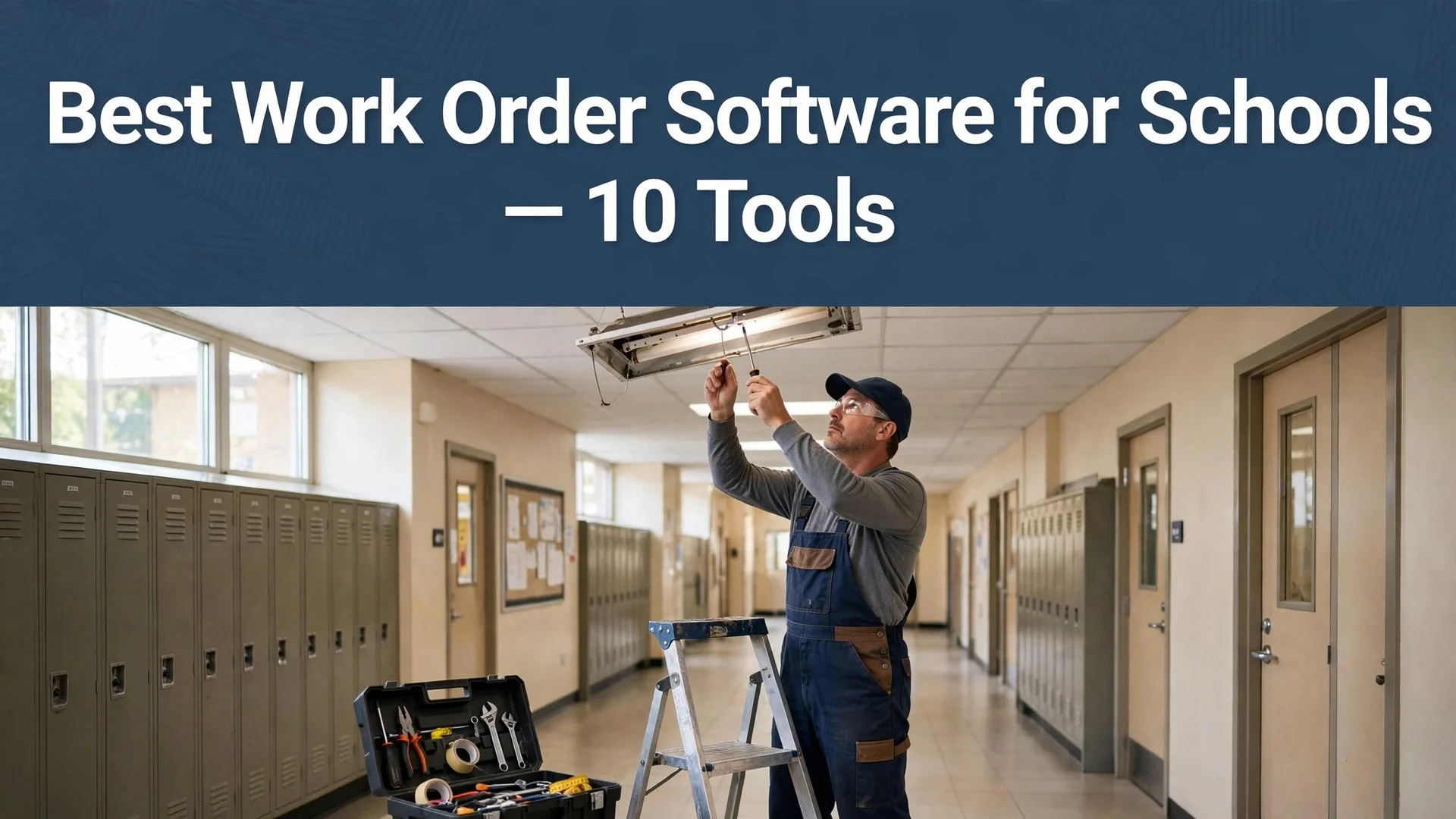

A broken boiler on a Monday morning, a leaking roof over a classroom, and a playground repair that cannot wait all land on the same desk. A school that tracks maintenance on paper loses requests, misses deadlines, and pays more for emergency fixes. The best work order software for schools in this guide turns a phone call or a form into a tracked job in minutes. UpKeep leads this ranking on the combined score, with Limble close behind for districts that want strong asset tracking.
We judged each system on real school work rather than a sales demo. That meant a heating repair in a classroom, a light replacement in a gym, and a safety check across a campus. We tracked speed from request to job, how the technician found it on a phone, and how the principal read the monthly report.
UpKeep earns the top spot on ease of use, Limble on asset depth, and every system after them on a strength of its own. Some are built for a single school. Others serve a whole district with dozens of buildings. The right pick depends on your building count, your team size, and how much of the maintenance you want to plan ahead.
UpKeep tops the combined score, yet a school that runs one kind of job every week should let the best pick by job table near the end carry equal weight. A system that ranks seventh overall can still be the right answer for a small rural school, while the overall winner can be too much for a team that only needs simple work orders.
In this article
- The 10 Tools at a Glance
- Why the Best Work Order Software for Schools Pay for Themselves
- How We Put Each Work Order System Through Its Paces
- The 10 Tools in Detail
- Work Orders, Assets and Safety: What the Best Work Order Software for Schools Must Cover
- Mobile Access and Offline Mode: Where Each System Stops Short
- Five Rollout Mistakes That Stall a School District
- A Two Week Plan for Testing a System in One School Building
- Best Pick by Job
- Frequently Asked Questions
- UpKeep Leads, but Your Maintenance Team Makes the Final Call
The 10 Tools at a Glance
The table below lists one row per system, with the price shape, the natural fit, and the strength that put UpKeep first. The best work order software for schools is not all built for the same district, and the table shows why. UpKeep leads on mobile work orders, while Limble wins for districts that track every asset.
| Tool | Starting price | Best for | Standout strength |
|---|---|---|---|
| UpKeep | Free plan; paid plans on the vendor site | Schools that want fast mobile work orders | Simple mobile work order flow |
| Limble | Pricing on the vendor site | Districts tracking many assets | Deep asset and parts tracking |
| Fiix | Free plan; paid plans on the vendor site | Schools planning preventive maintenance | Strong preventive maintenance tools |
| MaintainX | Free plan; paid plans on the vendor site | Teams that want chat plus work orders | Work orders with team messaging |
| FMX | Pricing on the vendor site | Schools that run facilities plus events | Facilities, events and transport in one place |
| Hippo CMMS | Pricing on the vendor site | Small schools on a budget | Simple setup at a low price |
| eMaint | Pricing on the vendor site | Districts needing detailed reporting | Detailed reports and dashboards |
| Brightly Asset Essentials | Pricing on the vendor site | Districts already using Brightly tools | Built for school facility teams |
| EZOfficeInventory | Pricing on the vendor site | Schools tracking equipment closely | Equipment and inventory tracking |
| ManagerPlus | Pricing on the vendor site | Schools that want scheduled maintenance | Scheduling plus work order history |
Start with UpKeep and Limble, then read those two reviews to see which workflow fits your team. A system that scores High on mobile usability only helps if your technicians work from phones, and a system that scores High on reporting only helps if the principal reads the reports. Fit to your buildings matters more than a long feature list.

Why the Best Work Order Software for Schools Pay for Themselves
The best work order software for schools pay for themselves in the same place, which is the repair that never becomes an emergency. A small leak found early costs a fraction of a flooded classroom, and a boiler serviced on schedule rarely fails on a cold morning. A system that tracks every request and every asset catches the small jobs before they turn into big bills.
The second reason is the end of the lost request. Paper forms get buried, emails get missed, and a teacher who reports a fault twice gives up. A system with one clear place to log a request means nothing slips through, and the teacher can see the job move from open to done.
Speed of response is the third reason. When a principal asks how fast a repair will happen, a school with a live system answers in seconds. A school working from a paper pile has to hunt through folders, and the principal is already doubting the process.
The fourth reason is proof for the budget. A system that records every job, every cost, and every asset age gives a facilities manager real numbers for the next budget meeting. The best work order software for schools in this guide all keep that history, so a small team can show exactly where the money went.
The final reason is calmer school days. People do better work when a repair arrives on time and the classroom is ready for the lesson, rather than arriving late and forcing a room change. A clear job list that matches the day beats a long backlog.
How We Put Each Work Order System Through Its Paces
We tested the best work order software for schools against the same five measures, using a heating repair, a gym light replacement, and a campus safety check. Each system ran the same workload for two weeks, so UpKeep and the rest compare like with like.
- Work order speed, judged by how quickly a request became an assigned job without a phone call.
- Mobile usability, measured by how easily a technician found and closed a job from a phone.
- Asset tracking, scored on whether the system kept a clear history for each piece of equipment.
- Reporting clarity, timed from a question to a report a principal could read without help.
- Daily usability, judged by how long the first job took and how often the team needed to ask for help.
Each measure carried equal weight except work order speed, which counted double, because a system that delays a repair is not doing its job. Scores run out of 100, and the order below follows the combined total, led by UpKeep on work order speed. Where two systems tied, we broke the tie on mobile usability, since a technician who cannot use the phone app will not use the system.
We also checked the request forms. The best systems let a teacher log a request in a minute, while the weakest need a trained operator for every entry.
The 10 Tools in Detail
Each review below follows the same pattern, and every system is judged on the same ground as the best work order software for schools. We note what each system does best, where it falls short, and the school it suits best, with work order speed carrying the most weight.
1. UpKeep
UpKeep is the mobile leader in this ranking, and it leads because a technician can run a whole day from the phone app. A request becomes a job in seconds, the technician sees the location and the history, and the job closes with a photo. For a school that wants maintenance to move fast, it is the natural standard.
The trade off is asset depth. UpKeep handles work orders brilliantly but tracks assets more lightly than the specialists, so a district with thousands of assets may need more. For a school that puts speed first, that trade is worth making.
Put it to the test by logging one real repair from a teacher request to a closed job. Watch whether the technician found it fast on a phone, and whether the principal could see the result. A teacher-logged repair closed from a phone proves the flow.
Our verdict. The fastest mobile work orders here, and the best all rounder for schools that move fast.
2. Limble
Limble is the asset pick, and it earns second place by tracking equipment with real care. Every asset carries a history, a parts list, and a maintenance schedule, so a district can see which boiler needs replacing before it fails. The preventive maintenance tools are the strongest here.
The trade off is setup time. Limble rewards a team that loads its assets properly, so a school that wants to start tomorrow may find the first week slow. For a district that plans maintenance ahead, that setup pays off.
Put it to the test by loading one building assets and scheduling a preventive job. See whether the history stayed clear, and whether the schedule warned you in time. Clear asset history beside a warned-in-time schedule carries the district.
Our verdict. The best asset tracking here, ideal for districts that plan maintenance ahead.
3. Fiix
Fiix is the preventive pick, and it suits schools that want to stop repairs before they happen. The scheduling tools turn a calendar of services into jobs automatically, and the reports show which assets cost the most. The cloud setup keeps the work moving without an IT project.
The trade off is simplicity. Fiix is built for planned maintenance, so a school that only needs reactive work orders may find it more than the job requires. For a school that wants fewer emergencies, the planning tools are the point.
Put it to the test by scheduling one month of preventive jobs for a single building. Test whether the jobs arrived on time, and whether the cost report made sense. Jobs arriving on time with a cost report that reads clearly settle it.
Our verdict. The best preventive maintenance here, ideal for schools that want fewer emergencies.
4. MaintainX
MaintainX is the team pick, and it earns its place by pairing work orders with chat. A technician can message the team from inside a job, share a photo, and ask a question without leaving the app. The flow suits a maintenance team that works across several buildings.
The trade off is reporting depth. MaintainX covers daily work brilliantly but reports more lightly than the specialists, so a district that needs detailed budget reports may want more. For a team that values fast communication, that trade is worth making.
Put it to the test by running one repair with the chat open between the office and the technician. Ask whether the messages stayed with the job, and whether the closeout was clean. Messages staying with the job and a clean closeout steady the team flow.
Our verdict. The best work orders plus chat here, ideal for teams spread across buildings.
5. FMX
FMX is the campus pick, and it suits schools that run facilities, events, and transport together. Work orders, room bookings, and vehicle schedules share one system, so a school can see the whole day in one place. The breadth suits a district office that manages more than repairs.
The trade off is focus. FMX covers so much ground that a school that only needs work orders may find the extra modules distracting. For a school that coordinates events and maintenance together, the combined system saves a second subscription.
Put it to the test by booking one event and logging one repair for the same room. Notice whether the two stayed in sync, and whether the calendar stayed clear. Event and repair in sync, calendar clear, the breadth covers the campus.
Our verdict. The best facilities plus events mix here, ideal for schools that coordinate both.
6. Hippo CMMS
Hippo CMMS is the budget pick, and it rounds out the middle of the ranking for small schools that need a simple system. The setup is quick, the work order flow is plain, and the price stays low. The simplicity suits a school with one maintenance worker and a short asset list.
The trade off is scale. Hippo CMMS is built for small teams, so a district with many buildings will outgrow it quickly. For a small school that needs work orders without a big system, that simplicity is a strength.
Put it to the test by logging one week of real jobs and closing them from a phone. Check whether the flow stayed simple, and whether the report covered the week. A week of jobs closed by phone, report included, convinces the office.
Our verdict. The simplest budget system here, ideal for small schools starting out.
7. eMaint
eMaint is the reporting pick, and it earns its place with dashboards a district office can actually use. Work orders, costs, and asset ages feed into reports that show where the money goes, and the custom fields let a district track what matters to it. The depth suits a facilities manager who answers to a board.
The trade off is learning time. eMaint is powerful but takes longer to learn than the lighter systems, so a small team may need a week to settle in. For a district that reports on every dollar, that depth is the point.
Put it to the test by building one monthly cost report from real jobs. Confirm whether the numbers matched the ledger, and whether the principal read it without help. Numbers matching the ledger, principal reading unaided, the report serves.
Our verdict. The best reporting here, ideal for districts that answer for every dollar.
8. Brightly Asset Essentials
Brightly Asset Essentials is the school pick, and it suits districts that already use Brightly tools. The system is built around school facility teams, with work orders, assets, and preventive maintenance in one place. The school specific design keeps the workflow close to how a district actually works.
The trade off is value outside the Brightly world. A district that uses no other Brightly product gets less from the integrations, and the standalone system is solid rather than standout. For a Brightly district, the connection is the reason to choose it.
Put it to the test by logging one repair and checking the asset history beside it. Judge whether the school specific fields helped, and whether the job closed cleanly. One repair beside its asset history, closed cleanly, seals the pairing.
Our verdict. The best school specific system here, ideal for districts already on Brightly.
9. EZOfficeInventory
EZOfficeInventory is the equipment pick, and it earns its place by tracking every item a school owns. Laptops, projectors, and tools each carry a location, a condition, and a checkout record, so a school knows what it has and where it is. The inventory depth is the best here.
The trade off is work order focus. EZOfficeInventory tracks equipment brilliantly but handles work orders more lightly than the leaders, so a school that needs strong repair tracking may want more. For a school that loses equipment, that tracking is exactly right.
Put it to the test by checking out one projector and logging one repair on it. Find out whether the history stayed complete, and whether the location stayed accurate. History complete, location accurate, the projector record holds up.
Our verdict. The best equipment tracking here, ideal for schools that lose track of gear.
10. ManagerPlus
ManagerPlus is the scheduling pick, and it rounds out the ranking for schools that want maintenance on a calendar. The system schedules services, tracks work order history, and warns before an asset is due, so a school can plan the year instead of reacting to it. The history view is clear and useful.
The trade off is mobile polish. ManagerPlus is stronger on the desktop than on the phone, so a technician who works only from a phone may find the app thin. For a school that plans from the office, that scheduling strength is the point.
Put it to the test by scheduling one term of services for a single building. Look at whether the reminders arrived on time, and whether the history stayed clear. Reminders on time and history staying clear make the term plan safe.
Our verdict. The best maintenance scheduling here, ideal for schools that plan the year ahead.
Work Orders, Assets and Safety: What the Best Work Order Software for Schools Must Cover
A work order system for a school must cover three things, and the first is the request itself. A teacher should be able to report a fault in a minute, with a photo and a room number, and the system should turn it into a job without a phone call. The best work order software for schools in this guide all keep that path short, because a request that takes ten minutes to log will not be logged at all.
The second is the asset behind the job. A repair on a boiler means little without the boiler age, the last service date, and the parts used before, and a system that keeps that history lets a technician arrive prepared. Limble and eMaint lead here, while the lighter systems keep only the basics. A district with old buildings should weigh asset history as heavily as work order speed.
The third is safety. Schools carry legal duties around fire systems, playgrounds, and water quality, and a system that schedules safety checks and records the result protects the school as well as the children. A missed fire alarm test is not a maintenance delay, it is a compliance risk, and the system should warn before the date passes, not after.
The practical rule is simple. Log every request in one place, keep a history for every asset that matters, and let the system warn you before a safety date passes. A school that follows those three rules keeps its buildings safe and its budget under control.
Mobile Access and Offline Mode: Where Each System Stops Short
Mobile access is the clearest dividing line in this ranking. UpKeep and MaintainX run a whole day from the phone, while ManagerPlus and eMaint are stronger on the desktop. A technician who works from a phone should start at the top of the ranking, because a system that needs a desk will not be used in a boiler room.
Offline mode carries its own limits. Many school buildings have dead spots, a basement or a sports hall with no signal, and a technician who cannot load a job there loses time walking back to the office. Some systems in this ranking cache jobs for offline use, while others need a live connection. A school with thick walls and old buildings should test the app in the worst corner of the campus before committing.
Photo and signature capture decide how clean a closeout is. A job that closes with a photo of the repair and a sign off from the teacher leaves no argument about what was done, while a job that closes with a tick box leaves room for doubt. UpKeep, MaintainX, and Limble all handle photos well, and a school that manages contractors should weigh that as heavily as speed.
The honest test is to run the same repair in three systems and compare the weak spots. One may be fast on the phone but weak on assets, another may track assets well but need a desk, and a third may report beautifully but stall offline. Knowing where each system stops short matters more than knowing where it shines, because the weak spot is where a school day stalls.
Five Rollout Mistakes That Stall a School District
The first mistake is loading every asset before the first job. A district that tries to catalogue ten thousand items before going live will spend months on data entry, and the team loses interest before the first repair. Start with the assets that break most often, and add the rest over the term.
The second mistake is skipping teacher training. A system that only the maintenance team understands will not receive requests, because teachers will keep using email and phone calls. Show every teacher the one minute request form in a staff meeting, and the requests will arrive.
The third mistake is ignoring the old paper pile. A district that launches a new system while the old requests still sit on paper ends up running two systems at once, and nobody trusts either. Close the paper pile first, or move the open jobs into the new system on day one.
The fourth mistake is choosing a system without testing it in a basement. A phone app that works in the office can fail in a boiler room with no signal, and the technician discovers that on the first real job. Test the app in the worst corner of the campus before you sign the contract.
The fifth mistake is measuring success by jobs logged instead of jobs done. A system that records a thousand requests but closes half of them is not working, even when the dashboard looks busy. Track the close rate and the time to completion, and share those numbers with the principal every month.
A Two Week Plan for Testing a System in One School Building
Week one is the setup, and it should be honest. Pick one building, load its most common assets, and train the maintenance team on the phone app. Log every real request that arrives, and let the teachers use the request form. A live building teaches more than any sales demo.
Week two is the routine. Run the jobs, close them with photos, and read the weekly report with the principal. Check whether the requests arrived cleanly, whether the technicians used the app, and whether the close rate improved. A system that survives a real school week is worth more than ten that only look good in a demo.
Week two also puts the system through its awkward spots. Send a technician to the basement, to the sports hall, and to the far classroom, and check whether the app worked in each spot. A system that fails in a dead spot will fail again on the first emergency, so find the dead spots now.
By the end of the fortnight, the record speaks for itself. Count the jobs logged, the jobs closed, and the hours saved. A system that closes more jobs in two weeks than the paper pile did in a month earns its subscription, while one that adds work should be dropped, whatever its demo promised.
Best Pick by Job
No single system fits every school, so each common job below is matched to the system that scored highest for that job. The best work order software for schools for a single building look different from the right pick for a whole district, and the table below makes that split clear.
| Job | Best pick | Why it wins |
|---|---|---|
| Wants fast mobile work orders | UpKeep | Simple mobile work order flow |
| Tracks many assets | Limble | Deep asset and parts tracking |
| Plans preventive maintenance | Fiix | Strong preventive maintenance tools |
| Needs chat plus work orders | MaintainX | Work orders with team messaging |
| Runs facilities plus events | FMX | Facilities, events and transport in one place |
| Small school on a budget | Hippo CMMS | Simple setup at a low price |
| Needs detailed reporting | eMaint | Detailed reports and dashboards |
| Already uses Brightly tools | Brightly Asset Essentials | Built for school facility teams |
| Tracks equipment closely | EZOfficeInventory | Equipment and inventory tracking |
| Wants scheduled maintenance | ManagerPlus | Scheduling plus work order history |
If your situation does not match a row exactly, take the closest one and read that review first, starting with UpKeep when it fits. The gap between neighbouring systems is smaller than the gap between a repair your teachers see done and one they never see, so habit matters more than a few points on a scorecard.
Frequently Asked Questions
School leaders ask the same questions before they change a maintenance system, so we answered the five we hear most.
How much does work order software cost a school?
Most systems in this ranking charge per month per user, so a school pays one plan plus any overage for extra technicians. Free plans cover small trials well, but the asset tracking and reporting features that save real time usually sit on paid tiers. Check the vendor site for current pricing and confirm the total before you sign, because per user pricing adds up fast.
Can teachers log a request without training?
They can log a request in a minute, and most schools prefer a form the teacher can use alone. A request needs a room, a fault, and a photo, while a system needs a simple form, and the leaders cover both well. Some schools still route requests through the office, which works fine when the office answers fast.
How long does it take to get a school system running?
A focused team gets a single building live in one to two weeks if the asset list is short. The delay usually comes from loading every asset and training every teacher, not from the system. Start with the assets that break most often, train the maintenance team first, and add the rest over the term.
Do these systems work for a whole district?
They work, but the setup takes longer and the asset list grows, and some systems will need a district level plan. A district should start with one building, prove the workflow, and then roll out the rest, rather than launching everywhere at once. Prove the routine first, because those are the schools that keep using the system.
What happens to our maintenance history if we switch systems later?
Every system in this ranking exports work orders and asset records to common formats, so a switch is possible but never painless. Schedules and custom fields do not transfer, and the team must rebuild them in the new system. A switch is never painless, which is why a school should trial UpKeep properly now instead of staying with a system that no longer fits the way the team works.
UpKeep Leads, but Your Maintenance Team Makes the Final Call
A school can settle this in a trial by timing minutes to an assigned job, counting the jobs that close on the first visit, and measuring how often the request form gets used. The best work order software for schools prove themselves on the minutes to a job, the share of jobs closed first time, and the use of the request form, and a two week trial in one building will show all three. UpKeep wins our ranking on the combined score, but the right system for your school is the one your technicians open every morning without being asked.
Run the trial in one building with your real requests and your real team, and judge the system on the first week rather than the demo. If the jobs land in minutes and the technicians close them from their phones, the system is working. Pick the system that makes maintenance feel easy, protect the daily habit, and let the repairs done on time pay for the subscription many times over.